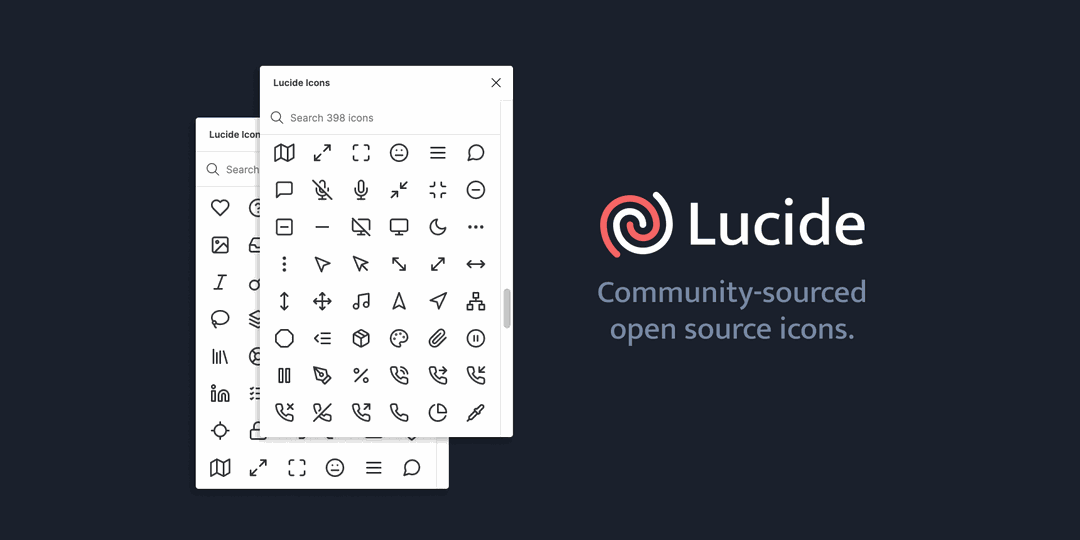
Lucide 是 Feather Icons 的社区活跃分支,一套风格统一、线条干净的开源矢量图标库,提供海量 SVG 图标和官方多框架包。它把图标做成可直接引入的组件,覆盖 React、Vue、Svelte、Solid 等主流前端栈,还有 Figma 插件方便设计师取用。适合需要统一视觉语言的前端开发者与 UI 设计师,免费开源、随取随用。
核心亮点:
- 海量 SVG 矢量图标,线条风格统一干净
- 官方提供 React、Vue、Svelte 等多框架包
- 配套 Figma 插件,设计开发协作顺手
- 社区驱动持续更新,ISC 协议开源免费
当前版本 v1.81.0(2026-11-26 发布),开源协议 ISC,GitHub 26,012 star。

核心信息
| 软件名称 | Lucide(lucide-icons/lucide) |
| 当前版本 | v1.81.0 |
| 更新日期 | 2026-11-26 |
| 开源协议 | ISC |
| 软件分类 | 字体与设计资源 |
| 关键词 | feather-icons、figma、icons、react、svg、svg-icons |
本次更新内容
- 新增电梯、方向盘、地球时钟及碗筷图标,丰富设计素材库。
- 优化智能手机轮廓及矩形系列图标,提升视觉一致性与美观度。
- 替换原有方形西格玛图标,修正图形细节以符合整体风格。
- 修复网站分类滚动监听逻辑,解决页面卸载后的潜在异常问题。
查看官方英文更新日志(原文)
## What's Changed
* feat(icons): changed `square-sigma` by @karsa-mistmere in https://github.com/lucide-icons/lucide/pull/5292
* feat(icons): added `elevator` icon by @AJAyanbisi in https://github.com/lucide-icons/lucide/pull/4366
* chore(icons): Update `smartphone` shape and update rectangle icons by @ericfennis in https://github.com/lucide-icons/lucide/pull/5268
* feat(icons): added `steering-wheel` icon by @abdul-karim-mia in https://github.com/lucide-icons/lucide/pull/5296
* feat(icons): added `globe-clock` icon by @abdul-karim-mia in https://github.com/lucide-icons/lucide/pull/5291
* feat(icons): added `bowl-chopsticks` icon by @HACENE-IHAB in https://github.com/lucide-icons/lucide/pull/5287
* fix(site): guard category scroll spy after unmount by @ericfennis in https://github.com/lucide-icons/lucide/pull/5297
* chore(deps-dev): bump the solid-deps group across 1 directory with 2 updates by @dependabot[bot] in https://github.com/lucide-icons/lucide/pull/5276

## New Contributors
* @AJAyanbisi made their first contribution in https://github.com/lucide-icons/lucide/pull/4366
* @HACENE-IHAB made their first contribution in https://github.com/lucide-icons/lucide/pull/5287

**Full Changelog**: https://github.com/lucide-icons/lucide/compare/1.80.0...1.81.0
下载地址
以下为官方原包,本站不二次打包;多个文件为不同包型,按需选择其中一个下载即可:
lucide-font-1.81.0.zip(便携版·解压即用 | 5.6 MB)
lucide-icons-1.81.0.zip(便携版·解压即用 | 1.5 MB)
✅ 上方 SHA256 与官方发布值一致,可自行核对。
快速上手
- 解压下载好的字体压缩包,得到图标字体文件与配套样式文件,放入项目可引用的目录。
- 在网页或设计软件中通过样式文件引入该字体,即可按图标名称调用对应字形。
- 若需单个图标,解压图标压缩包,从 svg 文件中挑选所需图标直接使用。
- 在 Figma 中安装 Lucide Icons 插件,即可在设计稿中搜索并插入图标。
提示:图标按名称检索,先查图标列表再调用,避免拼错字形名。
讨论(0 条)