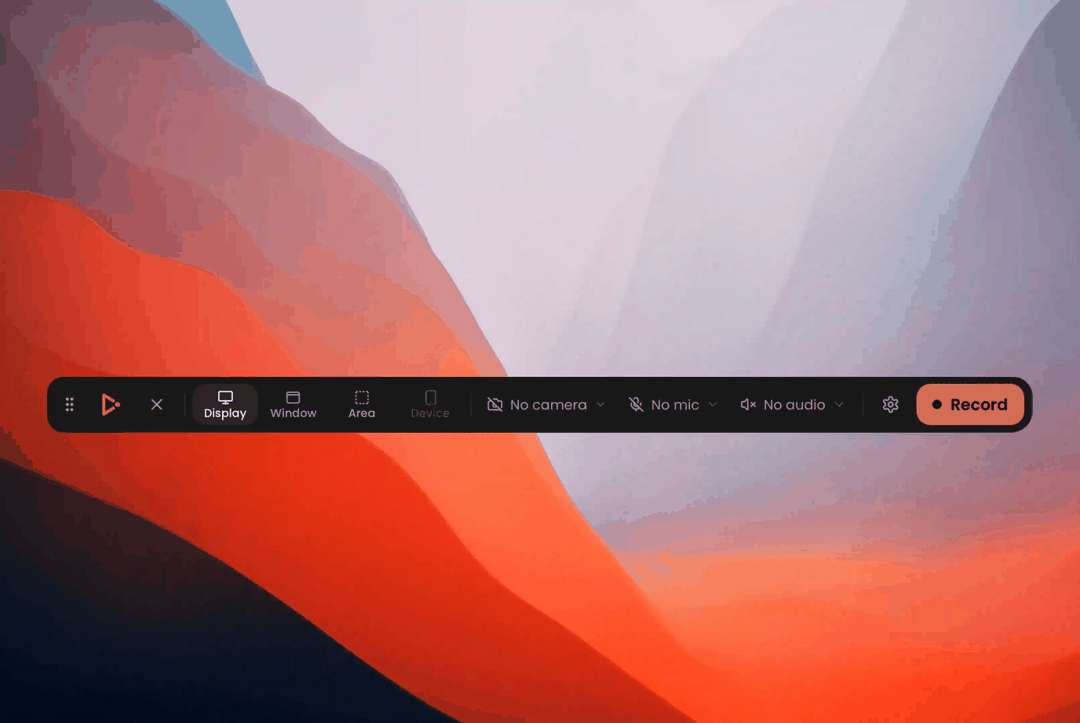
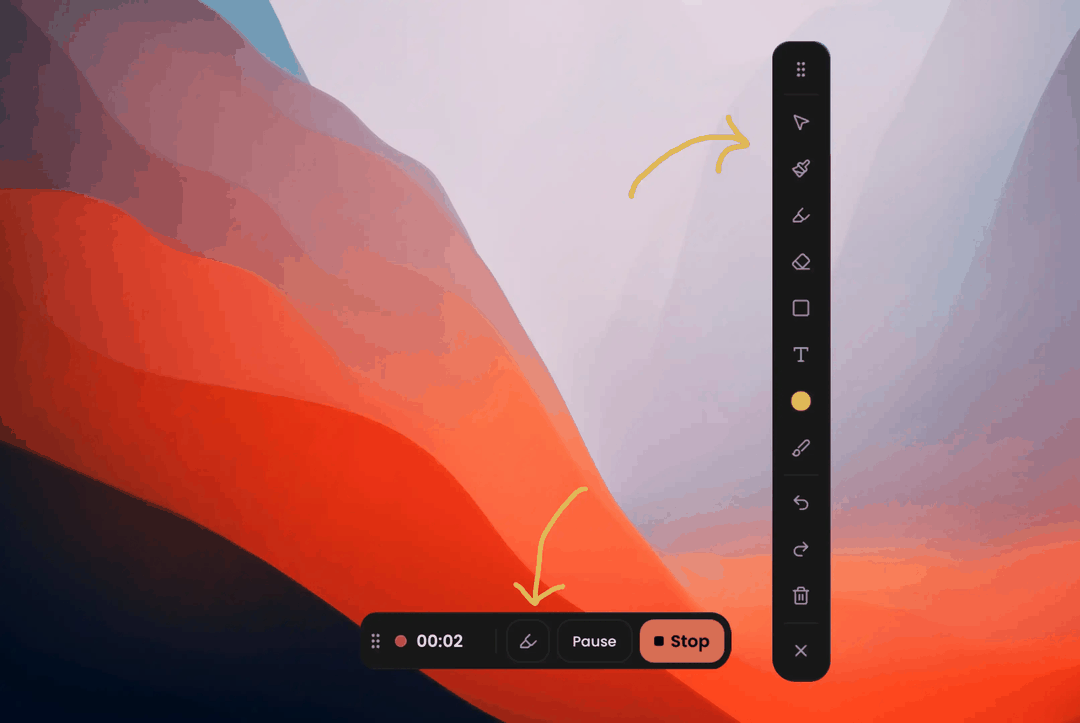
Capptivo 是一款开源免费的屏幕录制与演示制作工具,定位为 Screen Studio 的轻量替代品。它支持智能跟随光标缩放、点击自动放大、预设模板和本地字幕,让产品 Demo 录制后几乎无需手动剪辑。适合需要快速产出演示视频的产品经理、开发者和内容创作者,跨 macOS、Windows 与 Linux 使用。
核心亮点:
- 智能跟随光标缩放,演示焦点自动突出
- 基于点击行为自动生成缩放片段
- 内置编辑器预设,快速套用统一风格
- 本地离线字幕生成,无需上传云端
当前版本 v1.0.4(2026-10-13 发布),开源协议 MIT,GitHub 1,132 star。

核心信息
| 软件名称 | Capptivo(SECHAK-AG/capptivo) |
| 当前版本 | v1.0.4 |
| 更新日期 | 2026-10-13 |
| 开源协议 | MIT |
| 软件分类 | Linux 桌面 |
| 关键词 | free、linux、macos、open-source、pixijs、screen-capture |
本次更新内容
- 新版本采用全新渲染引擎,视频导出速度大幅提升,等待时间明显缩短。
- 导出画面与编辑器中所见效果一致,缩放、光标、人脸镜头、模糊和字幕时序都能准确还原。
- 新增模糊区域功能,可对画面局部进行模糊处理。
- 录制更稳定:编码失败会及时停止,窗口录制时长异常、高分屏录制失败等问题已修复。
- 导出取消能真正停止处理,预览代理加载更快,Windows 设备提示和错误诊断更清晰。
- 安全方面加强导出路径保护、校验内置组件并更新存在风险的依赖。
查看官方英文更新日志(原文)
## Highlights

### Exports are up to 10× faster

MP4 export now runs on a new native render engine. Capptivo decodes the
recording, draws every frame on the GPU (Metal, DirectX 12 or Vulkan) and
encodes it with your machine's hardware H.264 encoder, with the audio muxed in
the same pass. The browser view is no longer in the frame path.

| Same 76-second project, 1080p at 60 fps, Apple M5 | Export time |
| ------------------------------------------------- | ----------- |
| Capptivo 1.0.3                                    | 176 s       |
| **Capptivo 1.0.4**                                | **17 s**    |

- The export draws the same zoom, cursor, face-cam, blur and caption timing
  you see in the editor. The motion math is checked against the editor's own
  code by an automated test suite.
- If the native engine can't export a project, Capptivo falls back to the
  previous exporter automatically, and the export still finishes.
- GIF and WebM exports still use the previous exporter.

## What's changed

### Recording

- Stop a recording as soon as encoding fails, instead of recording into the void, by @advanivivek in #27
- Keep the timeline moving when the screen stops changing, by Sai Manikanta in #41
- Size the audio queue for a real encoder stall, and report overflow, by Sai Manikanta in #42
- Say when the camera flush times out before stop, by Sai Manikanta in #45
- Fix window recordings whose duration was always 0 (#33), by Sai Manikanta
- Keep HiDPI captures inside the hardware encoder's 4096 px limit, which no longer produces 0-byte takes (#33), by Daniel Nevoigt
- Probe hardware encoders at each recording frame size, by @Neonsy in #80
- Restore picker thumbnails on macOS 15+, by @MarsOccupied in #11
- Wayland: keep cursor metadata on more compositors and guard against a double stop, by @idboussadel

### Editor & export

- Native export engine (see Highlights), by @idboussadel
- Blur regions, by @MarsOccupied
- Back button to leave the recordings library, by @MarsOccupied in #12
- Faster preview proxies: GPU decode and GPU scale for proxy transcodes, by Sai Manikanta
- Stop encoder stalls from cutting takes, and make cancelling an export actually stop FFmpeg, by @idboussadel
- Get the annotation overlay off screen when its GPU context dies, by Sai Manikanta in #43

### Windows

- Explain unsupported capture devices and update the capture dependency, by @Neonsy in #76
- Make overlay exclusion fail closed, by @Neonsy in #77

### Reliability & diagnostics

- Keep fatal errors and surface live recording notices, by @Neonsy in #78
- Keep bounded local diagnostic codes, by @Neonsy in #79

### Security

- Keep export file paths behind native authority, so the editor only ever holds an opaque handle, by @Neonsy in #75
- Verify the bundled FFmpeg sidecars against pinned checksums, by @Neonsy in #72
- Update vulnerable transitive dependencies, by @Neonsy in #74

### Build & CI (for contributor
下载地址
以下为官方原包,本站不二次打包;多个文件为不同包型,按需选择其中一个下载即可:
Capptivo_1.0.4_amd64.AppImage(官方原包 | 161.4 MB)
Capptivo_1.0.4_amd64.deb(官方原包 | 96.3 MB)
Capptivo_1.0.4_x64.app.tar.gz(官方原包 | 78.0 MB)
✅ 上方 SHA256 与官方发布值一致,可自行核对。
快速上手
- 运行下载好的安装包,按向导完成安装后启动 Capptivo。
- 首次启动时按提示授予屏幕录制权限,然后重新启动应用。
- 在主界面选择录制区域并开始屏幕录制,录制完成后进入编辑。
- 在编辑器中启用跟随光标缩放、点击自动缩放或套用预设,快速调整画面。
- 如需字幕,首次使用字幕功能时等待应用自动下载模型权重后生成。
提示:字幕功能依赖系统 whisper-cli 二进制,请提前装好。
讨论(0 条)