Gitea 是一款轻量级、可自托管的 Git 代码托管平台,用 Go 语言写成,部署简单、资源占用低。它提供类似 GitHub 的完整功能,包括仓库管理、问题跟踪、代码评审、CI/CD 和包注册表,适合想私有化部署代码托管服务的团队和个人开发者。
核心亮点:
- 支持仓库管理、问题跟踪与代码评审
- 内置 CI/CD 与包注册表等扩展能力
- 部署简单,资源占用低,运行轻快
- 适合团队私有化部署代码托管服务
当前版本 v28.4.0(2026-11-15 发布),开源协议 MIT,GitHub 59,103 star。

核心信息
| 软件名称 | Gitea(go-gitea/gitea) |
| 当前版本 | v28.4.0 |
| 更新日期 | 2026-11-15 |
| 开源协议 | MIT |
| 软件分类 | 自托管服务 |
| 关键词 | bitbucket、cicd、devops、docker-registry-v2、git、git-gui |
本次更新内容
- 新版本优化了实时同步机制,并修复了通知、仓库统计等场景下可能出现的卡顿问题,提升操作流畅度。
- 修复了星标仓库语言显示、Wiki内容读取、个人资料清空全名等界面问题,让信息展示更准确。
- 改进了工单搜索、弹窗和任务列表的交互,隐藏无权限内容,并支持大写X勾选任务,使用更顺手。
- 增强了权限与安全控制,包括团队管理员权限、组织角色隐藏、登录验证失败限制等,保护账户安全。
- 修复了容器镜像名称兼容、代码粘贴格式、分支回滚等细节问题,并更新了依赖包以提升稳定性。
查看官方英文更新日志(原文)
## [28.4.0] - 2026-11-15

### Enhancements

- *(websocket)* Improve client synchronization (#38847) (#40340)

### Bug Fixes

- *(api)* Return language of starred and watched repositories (#40127) (#40157)
- *(web)* Read the wiki blob excerpt from the wiki repository (#40165) (#40178)
- *(actions)* Make Actions API work with repo admin permission (#40174) (#40180)
- *(repo)* Avoid deadlock when updating language stats concurrently (#40167) (#40202)
- *(notifications)* Avoid deadlock when creating issue notifications concurrently (#40166) (#40203)
- *(api)* Don't panic on null milestone due_on (#40171)
- *(actions)* Evaluate job `if:` against needs finished in the same pass (#40126) (#40221)
- *(web)* Build issue popup request from parsed link (#40207) (#40225)
- Allow clearing the full name in profile settings (#40186) (#40191)
- *(packages)* Return empty Chef dependencies instead of null (#40237) (#40242)
- *(deps)* Update module github.com/andybalholm/brotli to v1.2.7 [security] (#40246) (#40249)
- Upgrade Alpine base packages in Docker images (#40252) (#40253)
- Don't roll back branches on out-of-order post-receive hooks (#40110) (#40255)
- *(repo)* Mark repository as non-empty before git push returns (#40102) (#40266)
- Add missing checks to several handlers and services (#40120) (#40268)
- *(pull)* Don't add a timeline entry for pending API reviews (#40260) (#40272)
- Paste copied code as text, not as a markdown table (#40053) (#40280)
- *(deps)* Update clippie to 4.3.1 (#40293)
- Don't log network error in console when loading issue popup (#40288) (#40294)
- *(markup)* Correct character escaping at read buffer boundaries (#40209)
- *(api)* Lock and unlock issues as the signed-in user, not the repository owner (#40291) (#40298)
- *(ui)* Consistent spacing between labels (#40261) (#40330)
- Add missing checks to more handlers and services (#40131) (#40281)
- Handle task list items checked with uppercase X (#40334) (#40339)
- *(queue)* Bump levelqueue to v0.5.1 and remove workarounds (#40219) (#40350)
- *(web)* Fix memory leak in dropdown ARIA patch (#40349) (#40364)
- Correctly apply team admin permission to doer (#40353) (#40356)
- *(packages)* Accept OCI 1.1 container image names (#40363) (#40369)
- *(api)* Hide org roles from non-members (#40042) (#40365)
- *(git)* List affected files NUL-separated so special names are not quoted (#40362)
- *(repo)* Do not reuse pull mirror credentials for a new host (#39991) (#40373)
- *(issues)* Hide unreadable issue types in search and milestone views (#40192) (#40375)
- *(api)* Do not allow renaming the Owners team (#40381) (#40387)
- *(repo)* Limit the commit status fields returned by repo search (#40377) (#40384)
- *(audit)* Record missing repository and content events (#40322) (#40390)
- *(auth)* Limit failed TOTP attempts per account (#39993) (#40374)
- *(repo)* Do not check out existing repo content during auto-init (#40376) (#40383)
下载地址
以下为官方原包,本站不二次打包,点击直接下载:
gitea-28.4.0-linux-amd64(官方原包 | 114.4 MB)
✅ 上方 SHA256 与官方发布值一致,可自行核对。
快速上手
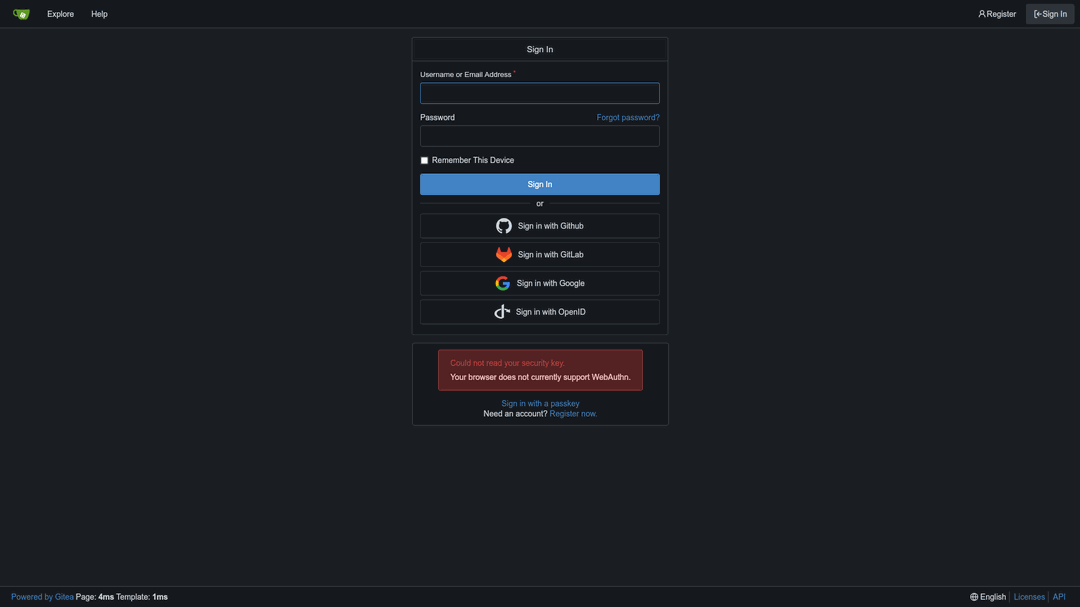
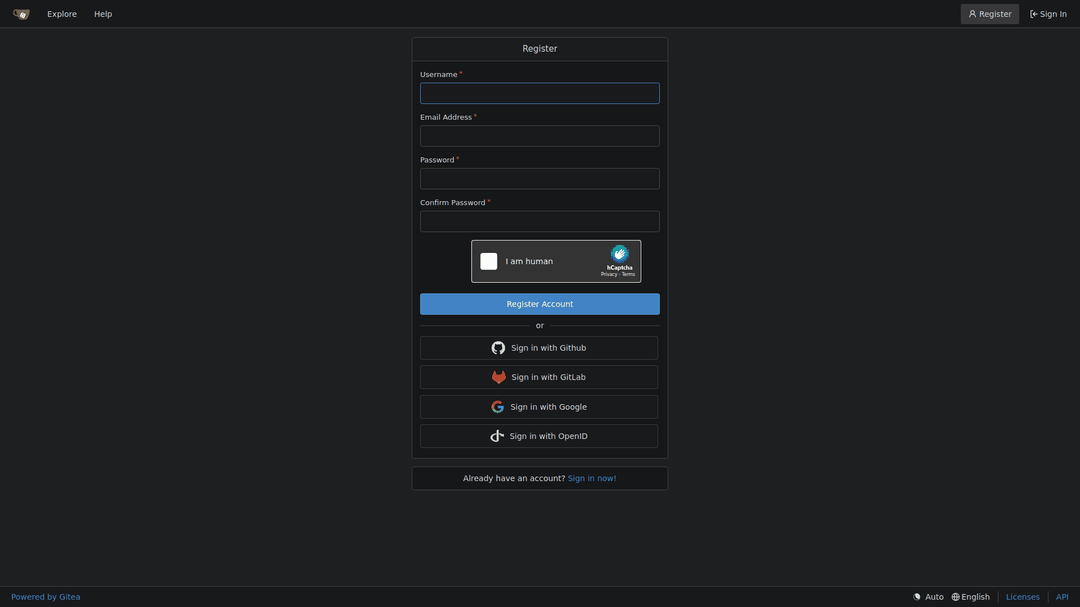
- 首次启动后,在浏览器打开本机服务地址,进入安装配置页面,按提示填写数据库等基础信息完成初始化。
- 初始化完成后注册管理员账户并登录,进入站点管理界面,可调整仓库、用户等基础设置。
- 在界面中创建仓库,用于托管代码并管理代码评审与问题跟踪。
- 按需启用项目看板、Wiki、包注册表与团队协作等功能,邀请成员加入使用。
提示:启动服务后请妥善保管管理员账户信息,避免他人随意访问。
讨论(0 条)