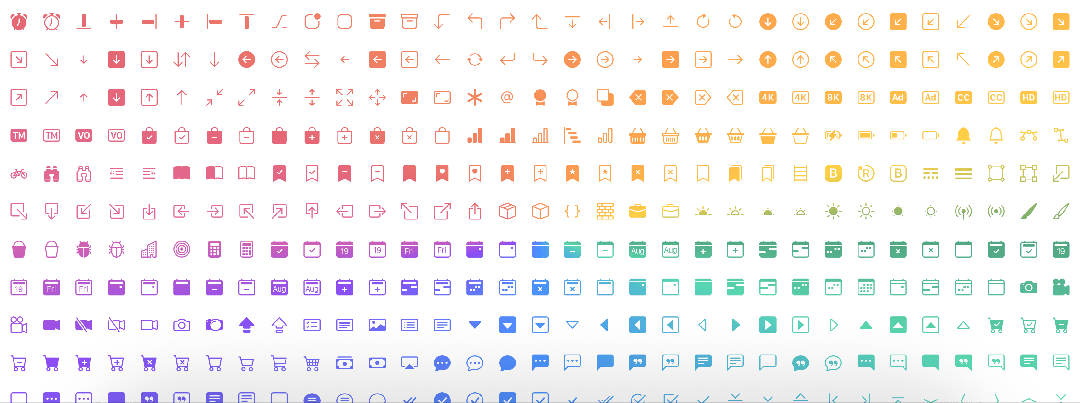
Bootstrap Icons 是 Bootstrap 官方维护的开源图标库,提供大量风格统一的 SVG 图标,同时打包成图标字体、雪碧图和 Sass 源码。它支持内嵌 SVG、外链图片、雪碧图引用和字体类名等多种用法,颜色尺寸随文字自动适配。适合前端开发者、Bootstrap 用户以及需要轻量图标方案的设计师直接取用。
核心亮点:
- 官方出品,图标风格统一且数量丰富
- 提供 SVG、图标字体、雪碧图多种形态
- 支持内嵌、外链、雪碧图和字体类名引用
- 颜色与尺寸随文字自动继承,适配方便
当前版本 v1.13.2(2026-10-08 发布),开源协议 MIT,GitHub 8,172 star。

核心信息
| 软件名称 | Bootstrap Icons(twbs/icons) |
| 当前版本 | v1.13.2 |
| 更新日期 | 2026-10-08 |
| 开源协议 | MIT |
| 软件分类 | 字体与设计资源 |
| 关键词 | bootstrap、font、icons、sprite、svg、woff |
本次更新内容
- 新版本为 TypeScript 用户补充了字面量类型标识,类型提示更准确。
- 图标文档站点已迁移到新的技术框架,浏览和查阅文档的体验更顺畅。
- 开发依赖与自动化流程做了例行升级维护,使用上更稳定可靠。
查看官方英文更新日志(原文)
## What's Changed
* Add literal ID for TypeScript by @lihsai0 in https://github.com/twbs/icons/pull/2134
* Migrate the Icons documentation to Astro, BUI, and Bootstrap 6 Alpha 1 by @mdo in https://github.com/twbs/icons/pull/2315

## Dependencies
* Bump the development-dependencies group with 6 updates by @dependabot[bot] in https://github.com/twbs/icons/pull/2164
* Bump the development-dependencies group across 1 directory with 6 updates by @dependabot[bot] in https://github.com/twbs/icons/pull/2176
* Bump actions/checkout from 4 to 5 in the github-actions group by @dependabot[bot] in https://github.com/twbs/icons/pull/2196
* Bump the development-dependencies group across 1 directory with 4 updates by @dependabot[bot] in https://github.com/twbs/icons/pull/2197
* Bump js-yaml from 3.14.1 to 3.14.2 by @dependabot[bot] in https://github.com/twbs/icons/pull/2216
* Bump the github-actions group across 1 directory with 4 updates by @dependabot[bot] in https://github.com/twbs/icons/pull/2220
* Bump minimatch by @dependabot[bot] in https://github.com/twbs/icons/pull/2241
* Bump lodash from 4.17.21 to 4.17.23 by @dependabot[bot] in https://github.com/twbs/icons/pull/2236
* Bump svgo from 3.3.2 to 3.3.3 by @dependabot[bot] in https://github.com/twbs/icons/pull/2243
* Bump the github-actions group across 1 directory with 5 updates by @dependabot[bot] in https://github.com/twbs/icons/pull/2237
* Bump lodash from 4.17.23 to 4.18.1 by @dependabot[bot] in https://github.com/twbs/icons/pull/2253
* Bump handlebars from 4.7.8 to 4.7.9 by @dependabot[bot] in https://github.com/twbs/icons/pull/2250
* Bump flatted from 3.3.4 to 3.4.2 by @dependabot[bot] in https://github.com/twbs/icons/pull/2249
* Bump the github-actions group with 3 updates by @dependabot[bot] in https://github.com/twbs/icons/pull/2251
* Bump yauzl from 3.2.0 to 3.3.0 by @dependabot[bot] in https://github.com/twbs/icons/pull/2255
* Bump picomatch by @dependabot[bot] in https://github.com/twbs/icons/pull/2256
* Bump the development-dependencies group across 1 directory with 5 updates by @dependabot[bot] in https://github.com/twbs/icons/pull/2258
* Bump the development-dependencies group with 2 updates by @dependabot[bot] in https://github.com/twbs/icons/pull/2261
* Bump fast-uri from 3.1.0 to 3.1.2 by @dependabot[bot] in https://github.com/twbs/icons/pull/2265
* Bump ip-address from 10.1.0 to 10.2.0 by @dependabot[bot] in https://github.com/twbs/icons/pull/2264
* Update dependencies by @XhmikosR in https://github.com/twbs/icons/pull/2268
* Bump the development-dependencies group across 1 directory with 7 updates by @dependabot[bot] in https://github.com/twbs/icons/pull/2278
* Bump the github-actions group across 1 directory with 8 updates by @dependabot[bot] in https://github.com/twbs/icons/pull/2277
* Bump fast-uri from 3.1.2 to 3.1.4 by @dependabot[bot] in https://github.com/twbs/icons/pull/2282
* Bump fast-uri from 3.1.4 to 3.1.5 by @dependabot[bot] in https://github.c
下载地址
以下为官方原包,本站不二次打包,点击直接下载:
bootstrap-icons-1.13.2.zip(便携版·解压即用 | 1.6 MB)
✅ 上方 SHA256 与官方发布值一致,可自行核对。
快速上手
- 解压下载好的压缩包,得到单个 SVG 图标文件、合并的 SVG sprite、图标字体与 CSS 等资源。
- 在网页中嵌入图标:把某个 SVG 文件内容直接粘贴进 HTML,设置宽高为 1em 并用 fill=”currentColor” 随文字变色。
- 或把 SVG 当普通图片引用:将图标文件复制进项目,用 img 标签的 src 指向它,并按需填写 alt 文本。
- 使用图标字体:在页面引入字体样式表,再用带 bi 与图标类名的 i 标签显示图标。
- 使用 SVG sprite:把 bootstrap-icons.svg 放到自己的站点,用 use 标签的 href 指向该文件并加图标文件名片段。
提示:装饰性图标加 aria-hidden=”true”,纯图标按钮把可访问名称写在按钮上。
讨论(0 条)