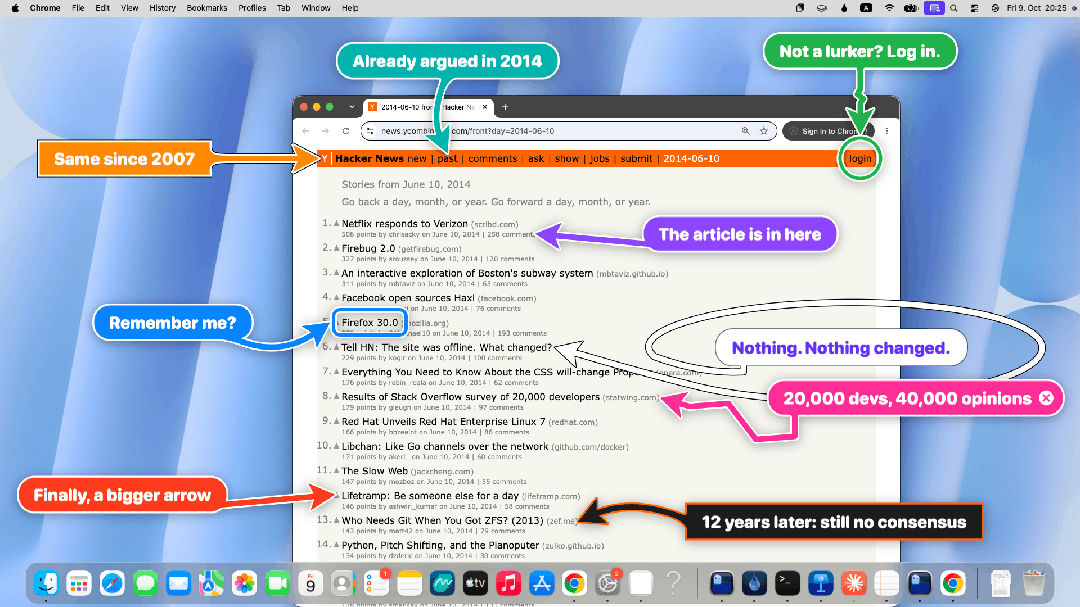
BigArrow 是一款 macOS 命令行小工具,能让 AI 助手直接在屏幕任意窗口上画出大箭头、方框和文字,把「点这里」讲得明明白白。点击可穿透、键盘焦点不丢,画完自动消失,还附带 Claude Code 与 Codex 技能。适合用 AI 做演示、远程指导或写教程的人。
核心亮点:
- 在任意窗口上层画箭头、方框和文字标注
- 点击穿透不抢焦点,标注自动消失
- 提供 Claude Code 与 Codex 技能,AI 可直接调用
- 无需系统权限,单文件命令行工具
当前版本 v0.6.1(2026-11-15 发布),开源协议 MIT,GitHub 883 star。

核心信息
| 软件名称 | BigArrow(franzenzenhofer/big-arrow-on-the-screen) |
| 当前版本 | v0.6.1 |
| 更新日期 | 2026-11-15 |
| 开源协议 | MIT |
| 软件分类 | macOS 软件 |
| 关键词 | accessibility、ai-agents、claude-code、cli、codex、macos |
本次更新内容
- 彩带效果全面升级:从底部、两侧和顶部多方向喷射飘落,不同形状的彩带运动节奏各异,画面更丰富自然。
- 即使开启系统的减弱动态效果,彩带动画依然会正常播放,不再被跳过。
- 说明文档新增彩带效果演示视频,方便用户直观了解实际效果。
- 新版本预编译程序未经过公证,浏览器下载后可能被系统拦截,需手动解除隔离;通过包管理器安装则从源码构建,可避免此问题。
查看官方英文更新日志(原文)
### Changed
- Confetti comes from every side: cannons in both bottom corners, on both side edges and along the bottom shoot it up and inwards, and it rains from the top. Each source times its own burst and lifetime, so every piece has landed before the show ends. Strips flutter faster than squares, dots barely spin.
- Confetti always plays: Reduce Motion no longer skips `bigarrow confetti` or `--confetti`.
- README: the confetti section shows a GIF and an MP4 recorded on a clean runner (`scripts/record-confetti.sh`, now a step in `visual.yml`).

The prebuilt binary is signed ad hoc, not notarized: Gatekeeper blocks it when it is downloaded with a browser (remove the quarantine flag with xattr -d com.apple.quarantine bigarrow). Installing with Homebrew builds from source and avoids this.
下载地址
以下为官方原包,本站不二次打包,点击直接下载:
bigarrow-v0.6.1-macos-universal.tar.gz(官方原包 | 2.3 MB)
✅ 上方 SHA256 与官方发布值一致,可自行核对。
快速上手
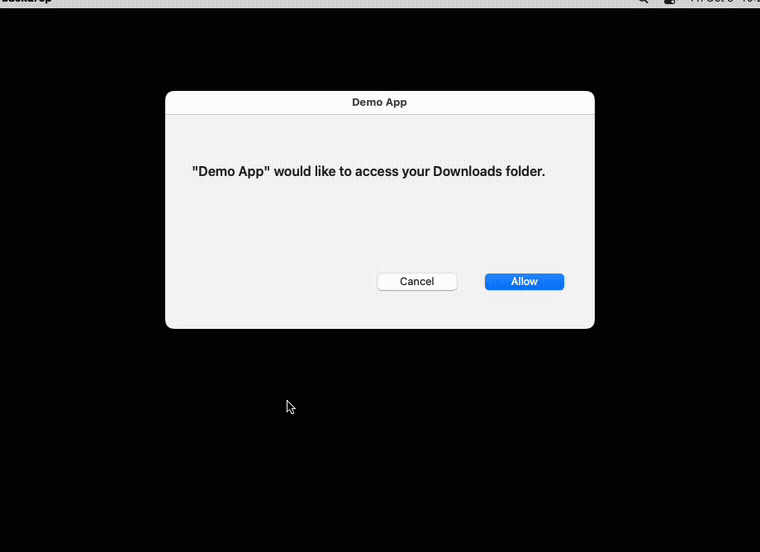
- 首次启动前,在终端运行 bigarrow 命令即可,无需安装、无需授予任何 macOS 权限
- 用 bigarrow point 指定元素、应用与提示文字,在目标窗口上方画出箭头和说明
- 用 bigarrow start 指定元素、方向、颜色与样式,画出带关闭按钮的箭头或环形标记
- 点击穿透箭头,键盘焦点保持不变,箭头会自行移除
提示:元素名可配合 –role 精确定位,找不到时先确认应用已打开
讨论(0 条)