CotEditor 是一款专为 macOS 打造的轻量纯文本编辑器,用 Swift 编写,界面和操作完全遵循苹果原生习惯,打开即用不拖沓。它不堆砌复杂选项,却能准确处理各种文本编码与格式,从日常笔记到写代码都顺手。适合想要一个简洁、稳定、不打扰的 Mac 文本编辑器的普通用户和开发者。
核心亮点:
- 原生 macOS 界面与交互,上手零门槛
- 秒开即用,轻量不臃肿,专注纯文本编辑
- 准确处理多种编码与文本格式,兼容老旧文件
- 支持多语言界面,兼顾新手与进阶用户
当前版本 v7.1.3(2026-10-27 发布),开源协议 Apache-2.0,GitHub 8,702 star。

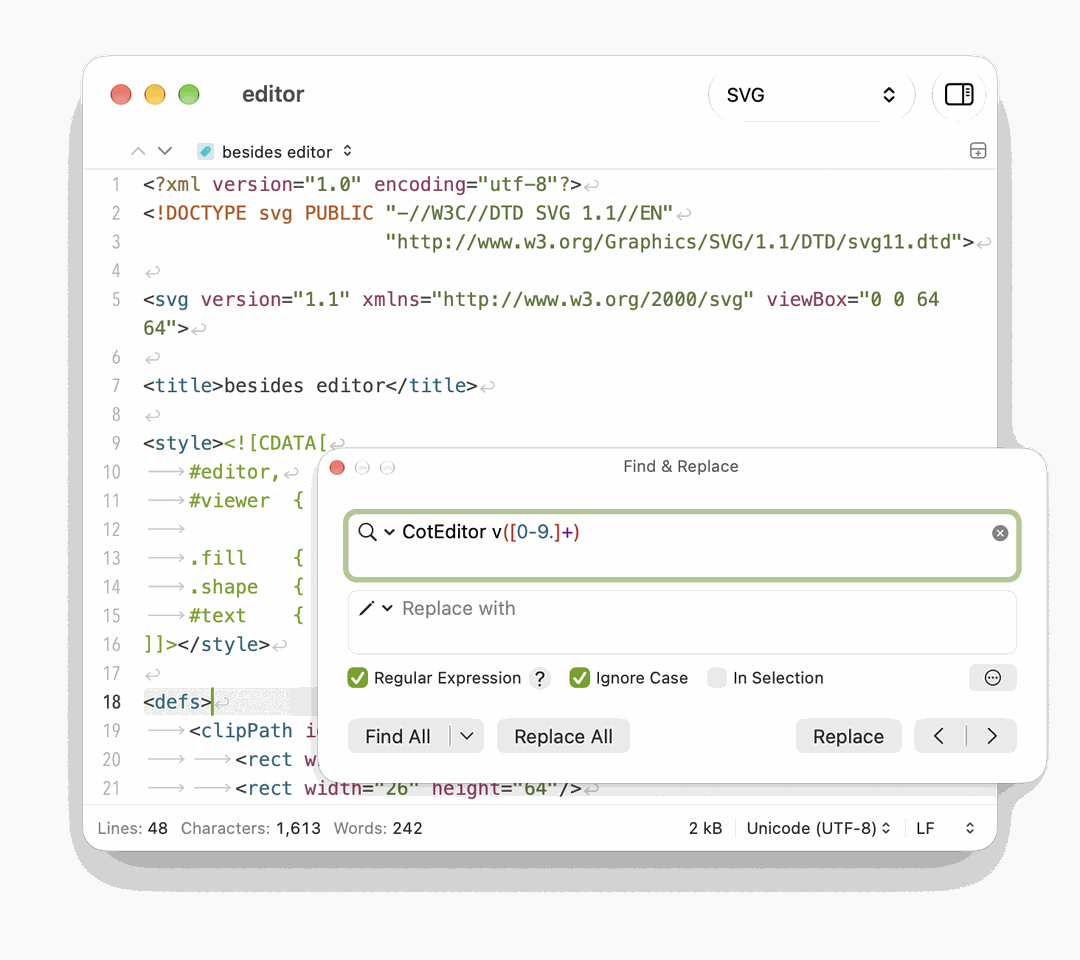
核心信息
| 软件名称 | CotEditor(coteditor/CotEditor) |
| 当前版本 | v7.1.3 |
| 更新日期 | 2026-10-27 |
| 开源协议 | Apache-2.0 |
| 软件分类 | macOS 软件 |
| 关键词 | cocoa、coteditor、editor、mac-app、macos、macos-app |
本次更新内容
- 新版本要求较新的macOS系统,旧系统用户将无法安装或升级。
- 文件浏览器筛选时能高亮匹配的文件名部分,查找更直观。
- 修复非拉丁键盘布局下代码片段快捷键记录异常的问题。
- 改进辅助功能与俄语界面显示,并优化脚本控制台输出细节。
查看官方英文更新日志(原文)
system requirements: __macOS 26__ and later


### Improvements

- Update tree-sitter-php to 0.25.1.
- Update tree-sitter-scala to 0.26.3.
- [dev] Update the build environment to Xcode 27.2 RC.
- [non-AppStore ver.] Update Sparkle from 2.10.0 to 2.10.1.


### Fixes

- Fix an issue in the file browser where the matched part of filenames was not highlighted while filtering.
- Fix an issue in Snippets settings where shortcuts were recorded with non-Latin characters when a non-Latin keyboard layout was active.
- Fix an issue where VoiceOver read internal descriptions instead of localized labels for document statistics in the editor help.
- Fix the Settings window layout in Russian localization.
- [trivial] Fix an issue where an extra space appeared before the script name in the console when using the AppleScript `write to console` command without a timestamp.

**Full Changelog**: https://github.com/coteditor/CotEditor/compare/7.1.2...7.1.3
下载地址
以下为官方原包,本站不二次打包,点击直接下载:
CotEditor_7.1.3.dmg(官方原包 | 25.5 MB)
✅ 上方 SHA256 与官方发布值一致,可自行核对。
快速上手
- 双击打开下载好的磁盘映像,把 CotEditor 图标拖入“应用程序”文件夹完成安装。
- 首次启动后,从菜单栏选择“文件”>“新建”即可创建空白文稿开始输入文字。
- 在“格式”菜单中切换纯文本与富文本,并按需选择文本编码以正确显示内容。
- 编辑完成后选择“文件”>“存储”,指定位置与文件名保存文稿。
提示:CotEditor 仅支持较新 macOS,系统过旧请改用兼容版本。
讨论(0 条)