DietPi 是一款基于 Debian 的极简系统,专为树莓派、香橙派等单板计算机打造,主打低 CPU 与内存占用,让低配设备也能跑得顺畅。它自带菜单式配置工具,能一键安装并自动配置各类常用服务,省去敲命令的麻烦。适合手里有电视盒子或开发板、想把它改造成轻量服务器或媒体中心的折腾玩家。
核心亮点:
- 菜单式软件中心,一键安装并自动配置服务
- 针对低配单板机深度优化,资源占用极小
- 图形化配置工具,网络与硬件设置更省心
- 支持自动化部署,预先配置即可无人值守安装
当前版本 v10.9(2026-11-21 发布),开源协议 GPL-2.0,GitHub 6,417 star。



核心信息
| 软件名称 | DietPi(MichaIng/DietPi) |
| 当前版本 | v10.9 |
| 更新日期 | 2026-11-21 |
| 开源协议 | GPL-2.0 |
| 软件分类 | TV 盒子软件 |
| 关键词 | bash、debian、dietpi、lightweight、nanopi、odroid |
本次更新内容
- 新增对多款新开发板的支持,用户可在更多硬件上安装使用,其中一款采用通用固件方案,兼容同类主板。
- 软件目录新增文档管理、家庭规划、运行监控和容器引擎等自托管应用,方便用户一键安装部署。
- 移除已停止维护的软件选项,但不会自动卸载已安装内容,用户可继续使用或按指引更换替代方案。
- 因安全原因停用旧架构上的部分应用支持,建议受影响用户改用其他方案或升级硬件。
查看官方英文更新日志(原文)
### New images

- **Odroid C5** | Support and images for this new Hardkernel SBC with Amlogic S905X5M SoC have been added.
- **Orange Pi 6/6 Plus** | Support and images for these new Orange Pi 6 family SBCs with CIX P1 dodeca-core (12) SoC have been added. The image uses a generic ACPI kernel, and bootloader + device tree come from the onboard UEFI firmware. Hence it should work on any CIX P1 board with UEFI and ACPI-capable firmware.
- **Orange Pi Zero 4** | Support and images for this new SBC with Allwinner A733 SoC have been added. It is very similar to the Orange Pi Zero 3W, but adds Gigabit Ethernet. Like for the Zero 3W, Xunlong's Linux 6.6 and U-Boot vendor sources are used.
- **Orange Pi 4A** | Images for this SBC with Allwinner T527 SoC  have been added. Note that it uses a mainline Linux based kernel, which lacks support for CPU scheduling, hence all cores run at a fixed 768 MHz. A patch is in review: <https://lwn.net/Articles/1096895/>

### New software

- **Paperless-ngx** | This document management system turns your scanned paper documents into a searchable online archive, with OCR, automatic tagging and full-text search. It has been added to our software catalogue with ID `paperlessngx`. It is available for ARMv8 and x86_64 systems with at least 2 GiB total memory (RAM + swap). Many thanks to everyone who requested this: <https://github.com/MichaIng/DietPi/discussions/5489>
- **Yuvomi** | This self-hosted family planner with calendar, tasks, meal planning, shopping lists and budget has been added to our software catalogue. Many thanks to @miloit for implementing this software option: <https://github.com/MichaIng/DietPi/pull/8461>
- **SolidPing** | This self-hosted uptime monitoring tool with status pages and alerting has been added to our software catalogue with ID `solidping`. Many thanks to @fclairamb for implementing this software option: <https://github.com/MichaIng/DietPi/pull/8366>
- **Podman** | This daemonless container engine with Docker-compatible CLI and API has been added to our software catalogue with ID `podman`. Like Docker, containers and images are stored in `/mnt/dietpi_userdata/podman-data`, and logs go to the systemd journal. Containers are meant to be run as individual systemd units, e.g. via Quadlet: <https://github.com/MichaIng/DietPi/pull/8480>

### Removed software

- **Readarr** | It has been archived by its maintainers last year. Use e.g. LazyLibrarian instead. The update won't remove Readarr from your system, so you can keep using it if installed already. Once you found a replacement, see here how to cleanly remove Readarr: <https://github.com/MichaIng/DietPi/pull/8388>
- **Mono** | This .NET runtime has been superseded by modern .NET since years. It was only needed our end to support running several Servarr applications on ARMv6 Raspberry Pi models, since .NET does not support that architecture. However, those Servarr applications dropped support for Mono years ago, too, hence we needed
下载地址
该项目由官方站点分发,本站提供版本追踪与中文教程:
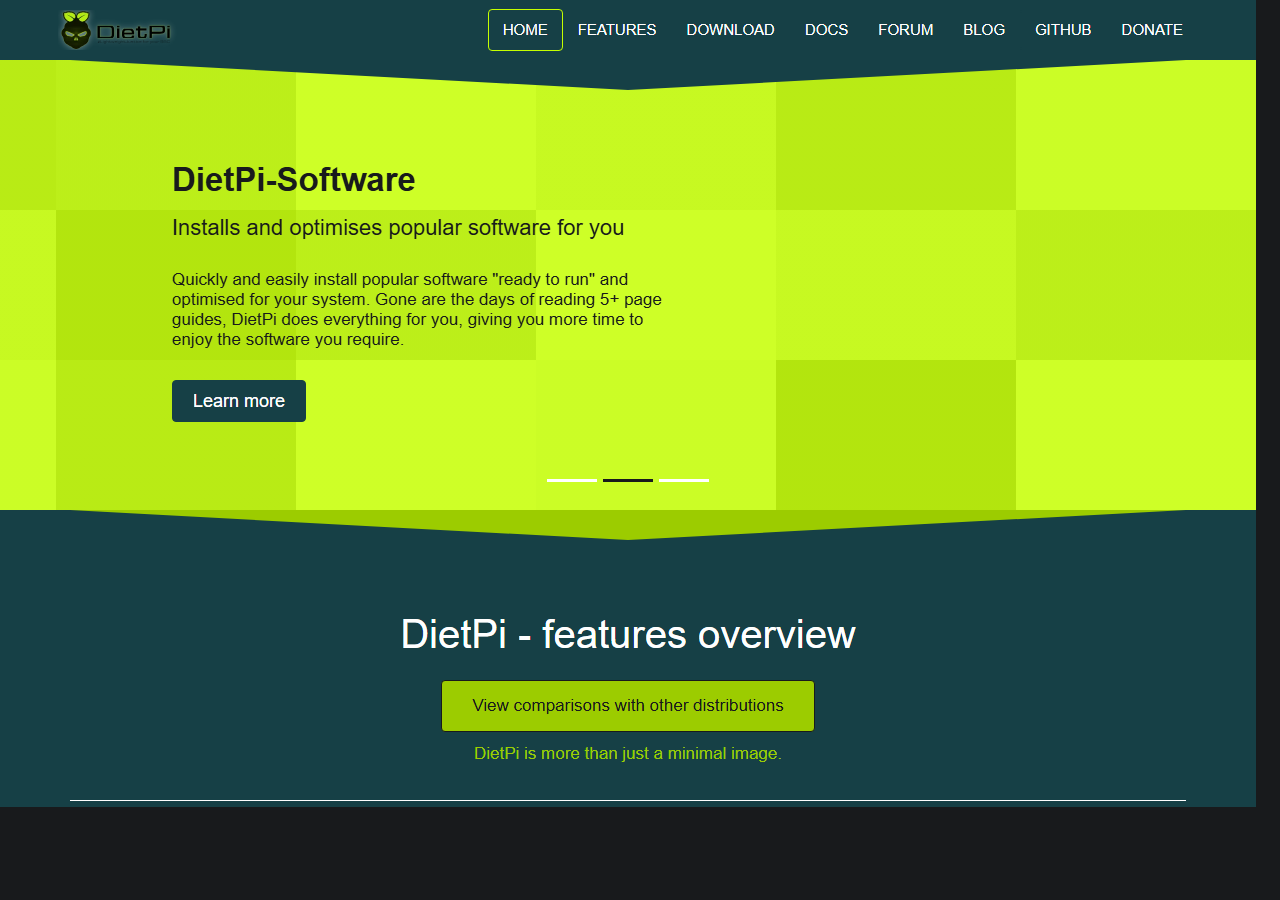
✅ 官方原包直发,版本同步更新。
快速上手
- 首次启动后进入命令行界面,运行 dietpi-software 打开软件选择菜单,按需勾选要安装的应用并确认安装。
- 安装完成后用 dietpi-config 调整设备的基础设置,如显示、网络与性能选项。
- 运行 dietpi-services 查看已安装软件的服务状态,可调整优先级或启停服务。
- 需要更新时运行 dietpi-update,它会自动检查并在有更新时提示,按提示即可完成更新。
提示:安装前可先编辑 dietpi.txt 预设选项,实现无人值守配置。
讨论(0 条)