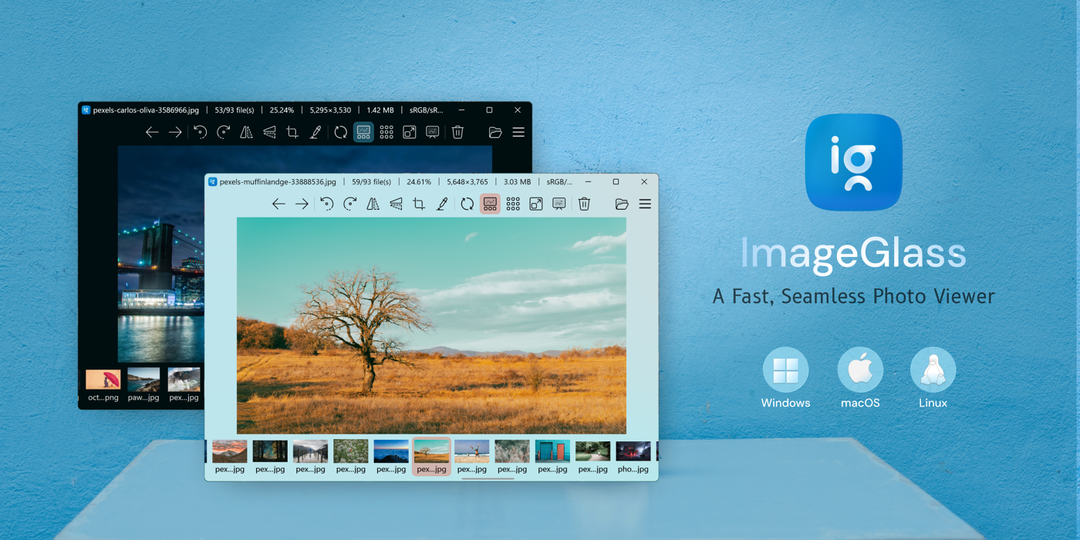
ImageGlass 是一款轻快开源的看图软件,主打秒开大图,支持 Windows、macOS 和 Linux。它能流畅浏览大量图片格式,包括 WEBP、SVG、HEIC、AVIF、HDR 和相机 RAW 文件,渲染快、界面干净。适合日常看图用户、设计师,以及需要批量部署的 IT 团队使用。
核心亮点:
- 秒开大图,渲染流畅,浏览体验干净利落
- 兼容大量图片格式,涵盖 HEIC、AVIF、RAW 等
- 跨平台可用,Windows、macOS、Linux 都能装
- 支持预设配置批量部署,方便团队统一管理
当前版本 10.0.6.906(2026-09-05 发布),开源协议 GPL-3.0,GitHub 14,780 star。

核心信息
| 软件名称 | ImageGlass(d2phap/ImageGlass) |
| 当前版本 | 10.0.6.906 |
| 更新日期 | 2026-09-05 |
| 开源协议 | GPL-3.0 |
| 软件分类 | Windows 效率工具 |
| 关键词 | avalonia、avif、cross-platform、csharp、dotnet、heic |
本次更新内容
- 新版本支持Linux的AppImage格式,方便Linux用户安装使用。
- 新增HDR色调映射支持,需插件配合,并改进相关设置选项。
- 修复保存时立即关闭可能导致图片损坏、幻灯片模式不保持系统唤醒、鼠标侧键导航不稳定等问题。
- 改进界面和交互:优化更新、许可证和关于窗口,幻灯片时自动隐藏鼠标,调整工具栏按钮占位。
- 更新核心组件和插件,提升性能和兼容性。
查看官方英文更新日志(原文)
| Annoucements | Download Options | | --- | --- | | [Official link](https://imageglass.org/news/introducing-imageglass-10-rebuilt-for-speed-and-cross-platform-support-107) | [Mirror link](https://www.patreon.com/d2phap/posts/release-10-for-167284821) | [](https://imageglass.org/releases/imageglass-10-0-6-906-66) | | | [](https://apps.microsoft.com/detail/9N33VZK3C7TH?launch=true&cid=GitHubRelease&mode=full)<br/>V10 update for Store release will be rolled out gradually | > [!important] > ## 📢 [Pro Business pricing update](https://github.com/d2phap/ImageGlass/issues/2489) ## 📝 Changelog (since [v9.6](https://github.com/d2phap/ImageGlass/releases/tag/9.6.1.807)) - Read the blogpost: https://imageglass.org/news/introducing-imageglass-10-rebuilt-for-speed-and-cross-platform-support-107 ## 📝 Changelog (since [v10.0.5.825](https://github.com/d2phap/ImageGlass/releases/tag/10.0.5.825)) ### New - [ImageGlass.SDK 1.2.0](https://github.com/ImageGlass/SDK/releases/tag/v1.2.0): + Bumped plugin ABI version from 1.0.0 to 1.2.0 + Added photo metadata `IGHdrTransferFn.ScRgb` to support rendering HDR images from codec plugins + Added new API `DecodeStaticRasterScaled` to request scaled image for thumbnails from codec plugins - linux: Added support for `.AppImage` package #2433 ### Improvements - core: Updated Avalonia 12.1.2 - core: Updated Magick.NET 14.17.1 - core: Improved scrolling distance of Gallery when having large thumbnail size #2438 - core: Allowed non-Executable custom toolbar button to create a gap on toolbar #2001 - core: Added a placeholder icon for toolbar buttons without an icon - core: Disabled viewer navigation buttons when window is inactive - core: Improved UI of Update window, Manage license window and About window - core: Auto-hide inactive mouse cursor automatically when in slideshow mode - core: HDR tone mapping + Added support for HDR tone mapping from codec plugins, requires plugins built with [SDK ABI 1.2.0](https://github.com/ImageGlass/SDK/releases/tag/v1.2.0)+ + Improved tone mapping for content peak nits + Renamed "White point" to "Reference white" ### Bugfixes - core: Instantly closing when saving could cause image corrupted #2444 - core: Slideshow mode didn't keep system awake #2442 - core: Mouse thumb buttons (XButton1/XButton2) were unreliable for image navigation #2393 - core: Multiple instances caused igconfig.json access error when saving #2431 - core: Going through gallery of images in full screen it sometimes displayed a black screen #2443 - core: Crashed due to monitor color profile #2445 - core: Memory leak due to gallery thumnbail metadata loading - core: Built-in tool background became black when using black background - win: MSI user
下载地址
以下为官方原包,本站不二次打包;多个文件为不同包型,按需选择其中一个下载即可:
ImageGlass_10.0.6.906_win-x64.msi(安装版 | 33.8 MB)
ImageGlass_10.0.6.906_win-x64.msix(安装版 | 44.3 MB)
ImageGlass_10.0.6.906_win-x64.zip(便携版·解压即用 | 41.9 MB)
✅ 上方 SHA256 与官方发布值一致,可自行核对。
快速上手
- 运行下载好的安装包,按向导提示完成安装并等待结束。
- 首次启动后,在打开文件对话框中选择要查看的图片即可浏览。
- 用界面上的导航操作在多张图片间切换,流畅查看不同格式图片。
- 如需扩展格式支持,可从插件入口获取并安装所需插件。
提示:安装后可将 ImageGlass 设为默认看图工具,双击图片直接打开。
讨论(0 条)