LocalSend 是一款开源跨平台局域网文件互传工具,被视作 AirDrop 的自由替代品。它不依赖互联网或第三方服务器,通过本地网络直接加密传输文件与消息,速度快且隐私可控。支持 Windows、macOS、Linux、Android、iOS 等主流系统,适合需要频繁在手机与电脑间传文件、又不想经过云端的用户。
核心亮点:
- 局域网直连传输,无需联网与第三方服务器
- HTTPS 加密通信,文件与消息更安全
- 跨平台覆盖桌面与移动端,设备互通
- 开源免费,可自行编译与审计代码
当前版本 v1.19.0(2026-11-24 发布),开源协议 Apache-2.0,GitHub 100,625 star。

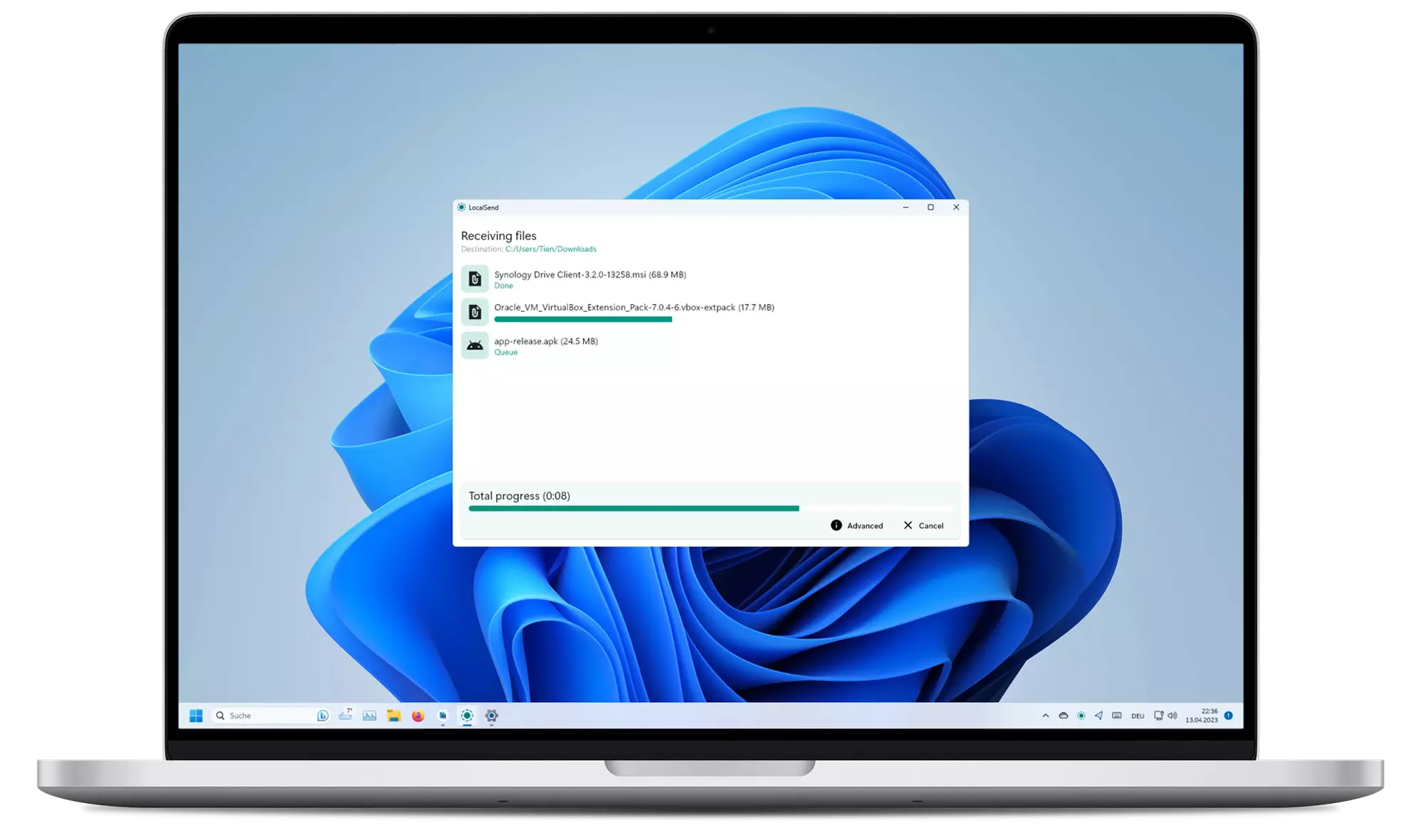
核心信息
| 软件名称 | LocalSend(localsend/localsend) |
| 当前版本 | v1.19.0 |
| 更新日期 | 2026-11-24 |
| 开源协议 | Apache-2.0 |
| 软件分类 | Windows 效率工具 |
| 关键词 | dart、file-sharing、flutter、flutter-apps |
本次更新内容
- 新增Linux RPM包及Alpine构建支持,优化内存占用与渲染稳定性。
- 命令行接口重构,新增文本发送功能,传输校验和改为可选。
- 支持系统时间格式显示,恢复哈希码连接,增加快捷键与置顶窗口选项。
- 强化安全机制,限制并发连接并防止链接分享时的设备冒充风险。
- 修复文件传输崩溃、文件名显示异常及接收路径展示等多项体验问题。
查看官方英文更新日志(原文)
This release also added the rpm package for the first time (e.g. for Fedora users).
Please note a breaking change in the CLI API when sending files.

- feat: make sending checksums opt-in (@Tienisto)
- feat: format timestamps using system date and time settings (@ShlomoCode)
- feat: add keyboard shortcuts to accept or decline incoming transfers (@Tienisto)
- feat: restore hashtag codes for connecting to devices (@Tienisto)
- feat: show an HTTPS badge in the device list tile when encryption is enabled (@Tienisto)
- feat: show inbound/outbound reachability per device to help diagnose firewall issues (@Tienisto)
- feat: add a copy button to the log screens (@ShlomoCode)
- feat: add a Cancel button to the device name dialog (@ShlomoCode)
- feat: group the changelog by release and type, and show what's new after an update (@ShlomoCode)
- feat(cli): send text using --text, including input from stdin (@Tienisto)
- feat(cli)!: replace `--file` with the `send` command for sending files and directories (@otanim)
- feat(cli): add builds for Alpine Linux (@julianxhokaxhiu)
- feat(desktop): add an option to keep the LocalSend window above other windows (@ShlomoCode)
- feat(macos): use native window restoration to keep partially off-screen windows near their saved position (@ShlomoCode)
- feat(linux): support delta updates for the AppImage (@ShlomoCode)
- feat(linux): add x86_64 rpm package to release workflow (@basil)
- feat(linux): add software rendering toggle with automatic fallback after a rendering crash (@Tienisto)
- security: limit simultaneous incoming connections to prevent resource exhaustion (@Tienisto)
- security: prevent senders without a client certificate from impersonating favorite devices while sharing via link (@Tienisto)
- security(cli): sanitize remote text before displaying it in the terminal (@Tienisto)
- perf: reduce memory use during file transfers (@luojiyin1987)
- fix: strip request URLs from HTTP client errors so the PIN is not exposed (@Tienisto)
- fix: prevent a startup crash with legacy Quick Save settings (@ShlomoCode)
- fix: show the real error when a file cannot be read while sending, instead of transferring it as an empty file (@leopalmieri-spec)
- fix: bound inline text previews to prevent large-message freezes (@kneeyard126)
- fix: rank link-local IPv6 channels after IPv4 when choosing an address to dial (@Tienisto)
- fix: limit connection setup for pinned HTTP clients to 5 seconds (@Tienisto)
- fix: let cancellation interrupt reading prepare-upload and upload responses (@Tienisto)
- fix: stop a send session that was cancelled while prepare-upload was answering (@Tienisto)
- fix: avoid directory name collisions when receiving files (@ShlomoCode)
- fix: accept PINs containing special characters (@ShlomoCode)
- fix: release wakelock when a transfer fails (@bunnysayzz)
- fix: normalize filenames to NFC so Korean jamo display correctly on Windows (@GhagSagar23)
- fix: show the actual save loc
下载地址
以下为官方原包,本站不二次打包;多个文件为不同包型,按需选择其中一个下载即可:
LocalSend-1.19.0-windows-x86-64.exe(官方安装程序 | 19.0 MB)
LocalSend-1.19.0-windows-x86-64.zip(便携版·解压即用 | 24.9 MB)
LocalSend-CLI-1.19.0-windows-x86-64.exe(官方安装程序 | 9.3 MB)
✅ 上方 SHA256 与官方发布值一致,可自行核对。
快速上手
- 运行下载好的安装包,按向导完成安装后启动 LocalSend,首次启动会显示本机设备名与接收开关。
- 在另一台设备上同样启动 LocalSend,确保两台设备连接同一局域网,等待设备列表中出现对方。
- 在发送端选择要发送的文件或输入消息,选中目标设备后确认发送,接收端接受即可完成传输。
- 若设备列表未出现对方,检查接收开关是否开启,并确认网络允许本地发现与连接。
提示:传输需在同一局域网内,无需联网,注意开启接收开关。
讨论(0 条)