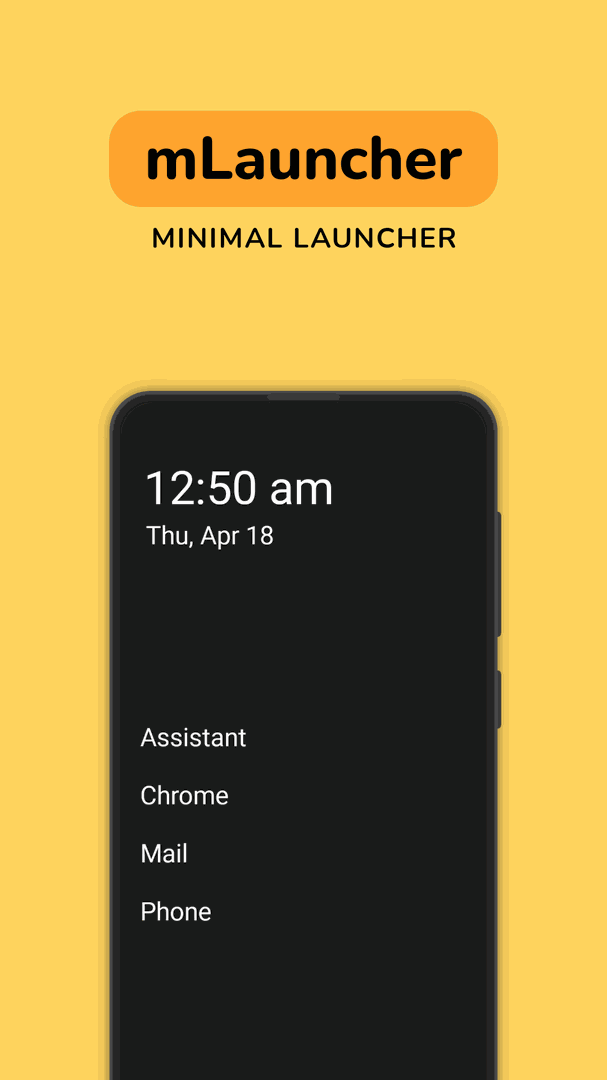
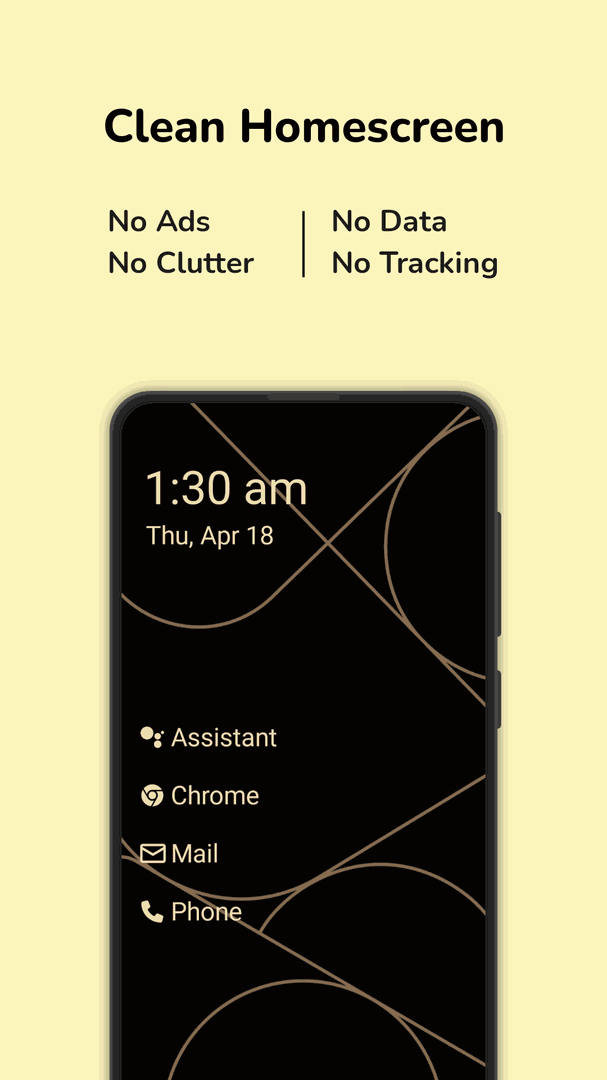
mLauncher 是一款极简安卓桌面启动器,主打无广告与零打扰体验。它采用单屏布局设计,让你一屏直达常用应用,彻底告别杂乱图标。适合追求高效、喜欢清爽界面且重视隐私保护的用户,是回归手机纯粹交互的绝佳选择。
核心亮点:
- 极简单屏布局,常用应用一屏直达,操作高效直观
- 完全免费开源,无广告干扰,尊重用户隐私与自由
- 支持 F-Droid 及 Google Play 等多渠道下载,安装便捷
- 界面清爽无冗余功能,适合喜欢极简风格的安卓用户
当前版本 v1.12.3.0(2026-11-13 发布),开源协议 GPL-3.0,GitHub 323 star。

核心信息
| 软件名称 | mLauncher(CodeWorksCreativeHub/mLauncher) |
| 当前版本 | v1.12.3.0 |
| 更新日期 | 2026-11-13 |
| 开源协议 | GPL-3.0 |
| 软件分类 | Android 开源 APK |
| 关键词 | ad-free、android、fdroid、fork、free、gplv3 |
本次更新内容
- 新版本加入就寝模式,可设置起止时间,并支持按字母筛选应用和联系人,闹钟日期也可选择显示。
- 修复重命名底部条目时面板意外关闭的问题,应用别名现在能正确显示在桌面、收藏和小组件上。
- 小组件稳定性提升,调整尺寸后不再丢失,也不会反复消失和重现,失效的小组件会被清理。
- 更新多语言文件,改善各语言下的界面显示。
查看官方英文更新日志(原文)
# What's New in Multi Launcher 1.12.3 Build 0  --- ### :sparkles: Enhancements: * Query clock content providers to filter upcoming alarms ([62414aec](https://github.com/CodeWorksCreativeHub/mLauncher/commit/62414aec)) * Add setting to toggle alarm date display ([6e135097](https://github.com/CodeWorksCreativeHub/mLauncher/commit/6e135097)) * Filter apps and contacts by letter selection in A-Z sidebar ([066ba0db](https://github.com/CodeWorksCreativeHub/mLauncher/commit/066ba0db)) * Add bedtime mode settings with time picker for start and end times ([d6c4f4a5](https://github.com/CodeWorksCreativeHub/mLauncher/commit/d6c4f4a5)) ### :bug: Bug Fixes: * Keep resized widgets and cleanly remove widgets whose provider is gone ([23cdc9bf](https://github.com/CodeWorksCreativeHub/mLauncher/commit/23cdc9bf)) * Add widgets that need settings, use larger cells, outline grid in edit mode ([5aed5797](https://github.com/CodeWorksCreativeHub/mLauncher/commit/5aed5797)) * Stop widgets disappearing, reloading and reappearing ([a73a61e4](https://github.com/CodeWorksCreativeHub/mLauncher/commit/a73a61e4)) * Guard widget creation against a destroyed view ([6ce6b382](https://github.com/CodeWorksCreativeHub/mLauncher/commit/6ce6b382)) * Keep rename panel open and focused when editing bottom-half entries ([fe03b1de](https://github.com/CodeWorksCreativeHub/mLauncher/commit/fe03b1de)) * Show app alias on home screen, favorites and widget ([#1115](https://github.com/CodeWorksCreativeHub/mLauncher/pull/1115)) ([345a66c6](https://github.com/CodeWorksCreativeHub/mLauncher/commit/345a66c6)) * Fix A-Z sidebar positioning for filtered lists ([2af0862a](https://github.com/CodeWorksCreativeHub/mLauncher/commit/2af0862a)) ### :globe_with_meridians: Localization: * Updated Language Files. ([#1114](https://github.com/CodeWorksCreativeHub/mLauncher/pull/1114)) ([9f76368a](https://github.com/CodeWorksCreativeHub/mLauncher/commit/9f76368a)) * Updated Language Files. ([#1113](https://github.com/CodeWorksCreativeHub/mLauncher/pull/1113)) ([1de3a029](https://github.com/CodeWorksCreativeHub/mLauncher/commit/1de3a029)) * Updated Language Files. ([#1112](https://github.com/CodeWorksCreativeHub/mLauncher/pull/1112)) ([d80d14e2](https://github.com/CodeWorksCreativeHub/mLauncher/commit/d80d14e2)) * Updated Language Files. ([#1107](https://github.com/CodeWorksCreativeHub/mLauncher/pull/1107)) ([580a6950](https://github.com/CodeWorksCreativeHub/mLauncher/commit/580a6950)) --- ## 📥 Installation Instructions 1. Download the APK. 2. Allow your browser/files app to install apps. 3. Install Multi Launcher. --- ## ⚠️ Note for Double Tap to Lock Feature Manually installed APKs may block accessibility settings needed for this feature. To enable: 1. Go to **Settings → Apps → Multi Launc
下载地址
以下为官方原包,本站不二次打包,点击直接下载:
MultiLauncher-1.12.3.0-Signed.apk(Android 安装包 | 6.9 MB)
✅ 上方 SHA256 与官方发布值一致,可自行核对。
快速上手
- 运行下载好的 APK 安装包,按照系统提示完成应用的安装流程。
- 安装完成后打开应用,授予必要的存储或显示权限以正常使用功能。
- 在主界面通过长按或滑动操作,自定义应用抽屉布局及图标排列。
提示:可在设置中调整界面主题与字体大小,打造更舒适的视觉体验。
讨论(0 条)