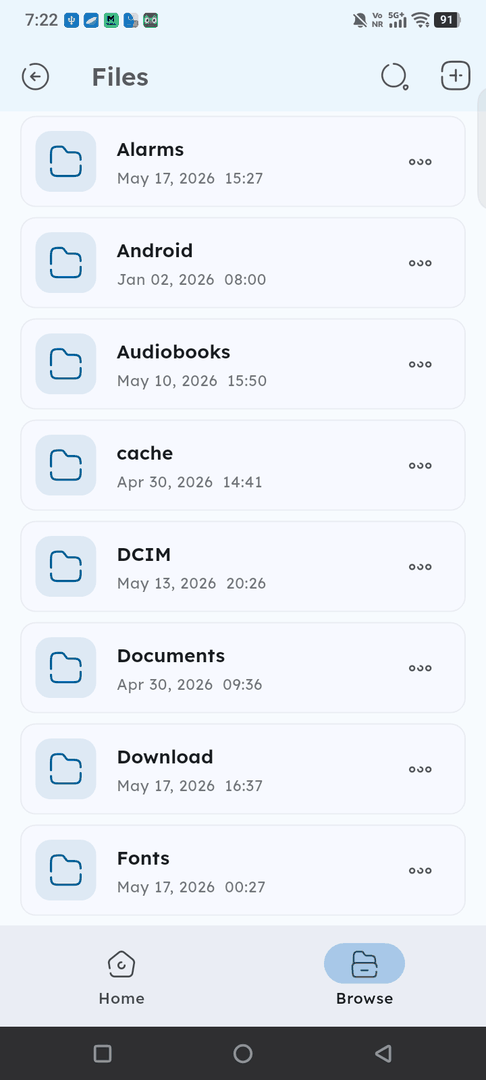
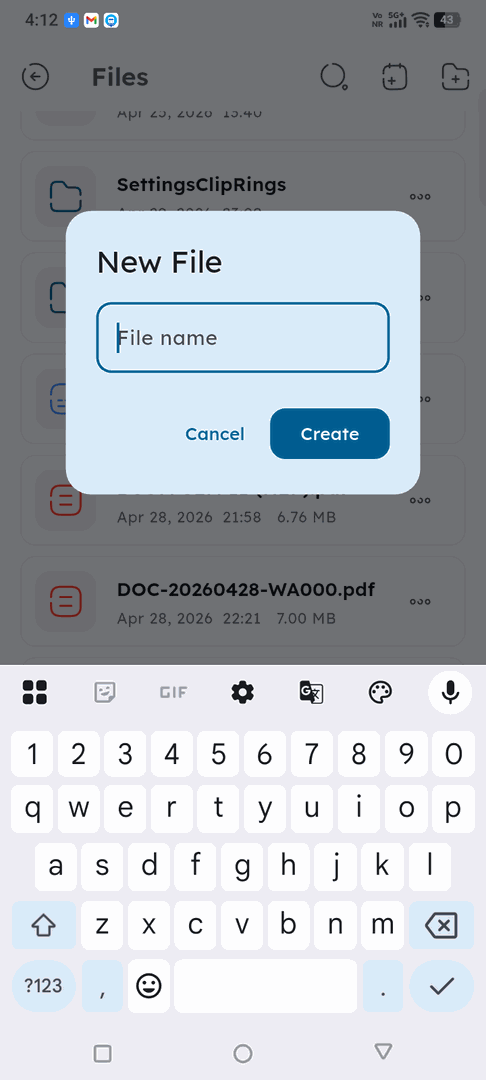
NFile是一款基于Flutter打造的清爽安卓文件管家,主打高颜值玻璃拟态界面与流畅交互。它不仅是文件整理工具,更内置高性能音视频播放器及图片查看器,支持原生索引秒开媒体库。适合追求视觉美感与高效媒体管理体验的用户,让文件操作变得优雅又轻松。
核心亮点:
- 玻璃拟态美学设计,支持AMOLED深色模式与流畅动效
- 原生索引技术,极速浏览图片、视频与音频媒体库
- 内置高性能播放器,流畅支持高清视频与精致音频播放
- 集成文本编辑器,直接查看修改代码及文档文件
当前版本 v1.0.43(2026-07-04 发布),开源协议 GPL-3.0,GitHub 454 star。

核心信息
| 软件名称 | NFile(Senzme/NFile) |
| 当前版本 | v1.0.43 |
| 更新日期 | 2026-07-04 |
| 开源协议 | GPL-3.0 |
| 软件分类 | Android 开源 APK |
| 关键词 | android、android-app、beautiful-ui、file、file-manager、filemanager |
本次更新内容
- 新增同步歌词及自动加载功能,支持点击跳转,让听歌体验更沉浸
- 优化启动速度与文件夹滑动流畅度,告别加载等待,操作更跟手
- 新增双击退出应用选项,简化关闭流程,操作更便捷高效
- 修复大文件解压崩溃及界面显示异常,提升软件稳定性与视觉体验
查看官方英文更新日志(原文)
new update. Here is what is new:

* Added synchronized lyrics support with an interactive layout featuring chronological scrolling and custom tap-to-seek playback (#65).
* Added support for loading `.lrc` files automatically from the song's directory, with a manual file picker option starting at the primary storage root (#65).
* Added a customizable "Double-Press to Exit" option in General & Behavior settings to bypass the app exit confirmation dialog (#65).
* Standardized the selection title header format across Images, Videos, Audio, Documents, Files, Downloads, APKs, and Screenshots to display `selected/total` counts (e.g., 7/60) without using the word "Selected" (#65).
* Added quick categories caching to prevent loading skeleton screens and display media lists immediately on startup.
* Optimized folder scrolling responsiveness and media lookup database query performance.
* Optimized grid layout column scaling for tablet and widescreen displays.
* Fixed a memory leak crash when extracting large zip/archive files.
* Fixed a bug causing duplicate item size and count properties in the media category info panel.
* Fixed drawer header styling/typography constraints in custom dark themes.
* Fixed screenshots loading glitches and cached category sync.

Thank you so much! ❤️
下载地址
以下为官方原包,本站不二次打包;多个文件为不同包型,按需选择其中一个下载即可:
NFile-v1.0.43-arm64-v8a.apk(Android 安装包 | 54.0 MB)
NFile-v1.0.43-armeabi-v7a.apk(Android 安装包 | 51.0 MB)
NFile-v1.0.43-x86_64.apk(Android 安装包 | 60.9 MB)
✅ 上方 SHA256 与官方发布值一致,可自行核对。
快速上手
- 运行下载好的 APK 安装包完成应用安装。
- 首次启动应用,在系统弹窗中授予存储及媒体读取权限以启用完整功能。
- 在应用主界面浏览文件,或点击快捷分类快速查看图片、视频和音频库。
- 长按文件执行复制、移动或删除操作,或双击打开媒体文件进行播放。
提示:应用支持原生媒体索引,可快速浏览多媒体文件,无需等待缓慢扫描。
讨论(0 条)