S2Arm 能把你自己拥有的 Switch 游戏原生跑在 iPhone、iPad 和 Apple 芯片 Mac 上,它并非模拟器:游戏代码在构建时被重写成 ARM64 指令,图形直接走 Metal,因此运行快、发热低、省电。整个游戏库装进同一个应用,Mac 和 Windows 上都有图形启动器,导入、构建、安装几步点完即可,适合想在苹果设备上玩自有 Switch 游戏的玩家。
核心亮点:
- 原生 ARM64 重写,图形直通 Metal,不靠 CPU 模拟
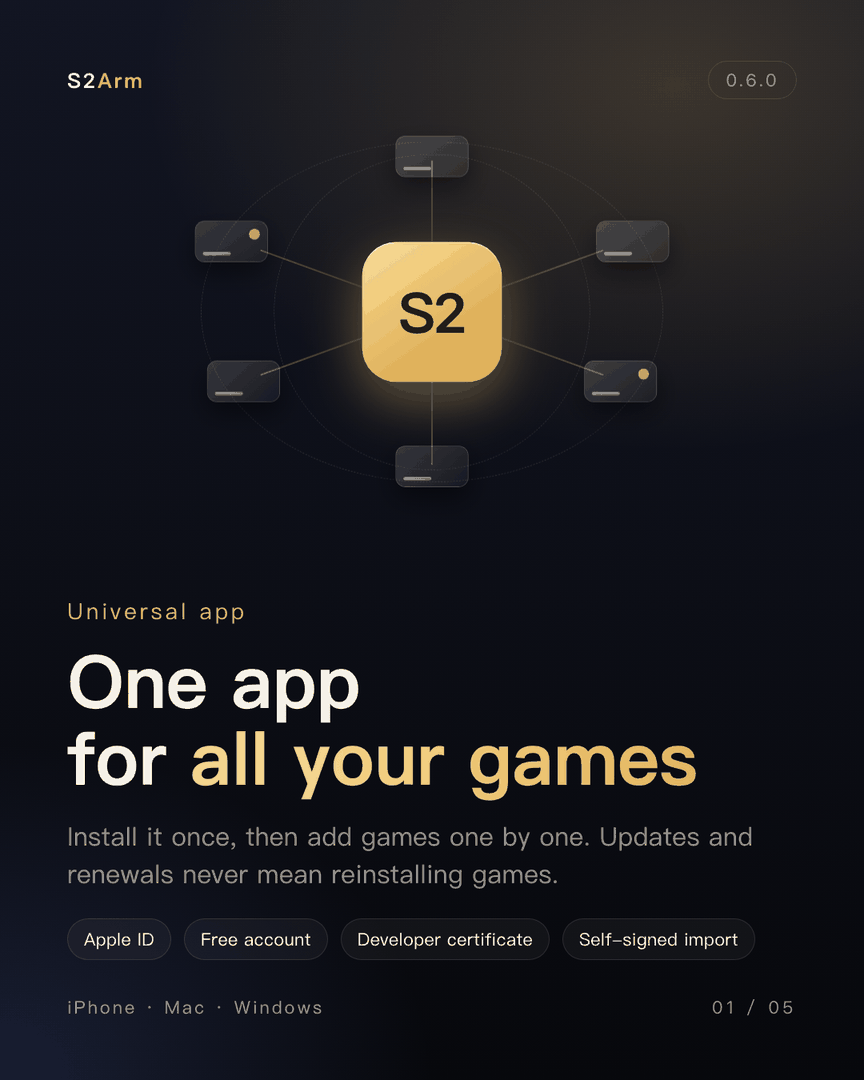
- 一个应用容纳整个游戏库,只占一个签名槽位
- Mac 与 Windows 图形启动器,三步完成导入构建
- 提供 s2armctl 控制接口,可让 AI 助手代劳安装排错
当前版本 v0.6.9(2026-11-23 发布),开源协议 Apache-2.0,GitHub 3,865 star。


核心信息
| 软件名称 | S2Arm(jhaizhou-ops/S2Arm) |
| 当前版本 | v0.6.9 |
| 更新日期 | 2026-11-23 |
| 开源协议 | Apache-2.0 |
| 软件分类 | macOS 软件 |
| 关键词 | apple-silicon、arm64、game-porting、ios、ipados、macos |
本次更新内容
- 快照恢复更可靠,任何情况下都不会删除快照,恢复失败时也不会中断当前游戏,旧版本快照升级后仍可正常恢复。
- 修复部分游戏在高帧率档下运行速度异常变快的问题,画面与节奏恢复正常。
- 修复部分大型游戏开局不久或游玩一段时间后闪退的问题,运行更稳定。
- iOS 新增分配玩家和实体手柄改键功能,手柄操作更灵活。
- 内存不足的设备在开始游戏前会收到提示,避免刚启动就被系统结束。
- 加载页会等着色器编译完成再进入游戏,并支持提前开始游玩、后台继续优化。
查看官方英文更新日志(原文)
# S2Arm v0.6.9

这一版主修快照恢复:恢复不再删快照,Mac 上接不上时原地重开这一局;修复部分游戏 60 帧档两倍速;新增 iOS「分配玩家」与实体手柄改键;内存不够的设备起局前先提示。
*This release mainly fixes snapshot restore: restoring never deletes a snapshot, and on Mac a session that cannot take the snapshot in place is relaunched; some games no longer run at double speed in 60 fps mode; iOS gains "Assign players" and physical controller remapping; devices without enough memory get a notice before a game starts.*

## 修复
- **快照恢复修复:快照任何情况下都不再删除**;恢复前按快照记下的原位置重新占好内存;Mac 上接不上时原地重开这一局再恢复;游戏里接不上时先提示去游戏库恢复,不拆当前这一局;本局关着快照时从游戏库恢复不再中途失败;版本变动导致接不上时,提示可在出包页取消这款的「出包时打入」、重新出包后再恢复;旧版本(0.6.8)存下的快照,升到新版本后从游戏库恢复不再被拒。
  *Snapshot restore fixed: a snapshot is never deleted. Memory is reserved at the snapshot's original locations before restoring; on Mac, a session that cannot take the snapshot in place is relaunched and restored; in game, a snapshot that cannot be restored in place points you to the game library instead of ending the session; restoring from the library no longer fails midway when snapshots were off for that session; when a snapshot no longer fits after a change, the notice says to turn off "Add when building" for the game on the build page, rebuild, and restore again. Snapshots saved with the previous version (0.6.8) can be restored from the game library again after updating.*
- **切后台再回来后存的即时快照,恢复后界面文字、图标不再缺失**(#2086,感谢 imneway)。
  *Snapshots saved after switching away and back no longer lose on-screen text and icons when restored (#2086, thanks to imneway).*
- **修复部分游戏 60 帧档两倍速(#2053)**:社区 60 帧补丁里按目标帧率计算的变量,现在按选中的帧率写入,不再一直按 30 帧的值。
  *Fixed some games running at double speed in 60 fps mode (#2053): variables in community 60 fps patches that are computed from the target frame rate are now written for the selected rate instead of staying at their 30 fps values.*
- **修复没打更新的初版(1.0.0)开放世界大作开局不久就闪退**:iPhone / iPad / Mac 都会;修好前的绕法是打上 1.6.0 及以上的游戏更新。
  *Fixed the original 1.0.0 release of a large open-world game crashing shortly after starting, on iPhone, iPad and Mac; until now the workaround was installing game update 1.6.0 or later.*
- **修复部分大型游戏开局后玩一阵就闪退**(地址空间用尽)。
  *Fixed some large games crashing after playing for a while because the address space ran out.*
- **内存不够的设备**:判断装不装得下时按这台设备的物理内存封顶,只在菜单里待了一会儿的短局不再被当成「装得下」的依据;确实装不下时起局前问一次(本款约需多少、这台有多少、可能中途退出),不再一帧没出就被系统结束;这款以前在这台上玩过、留有实测记录时也照样提示。
  *On devices without enough memory, whether a game fits is now judged against the device's physical memory, and a short session spent in a menu no longer counts as proof that it fits; when it does not fit you are asked once before the game starts (how much it needs, how much the device has, it may quit midway) instead of being ended by the system before the first frame, including when the game has been played on this device before.*
- **修复部分游戏开局就断言退出(本机回环网络连接被拒)**:游戏内部用本机回环连接自我唤醒的,现在能照常连上。
  *Fixed some games quitting at launch with an assertion because a local loopback connection was refused: games that wake themselves through a loopba
下载地址
以下为官方原包,本站不二次打包,点击直接下载:
S2Arm-mac-arm64.dmg(官方原包 | 171.8 MB)
✅ 上方 SHA256 与官方发布值一致,可自行核对。
快速上手
- 运行下载好的安装包,按提示完成安装后打开 S2Arm 启动器
- 在欢迎页按主按钮依次完成准备电脑、添加密钥、添加游戏
- 导入自己的游戏,在游戏库中选中要构建的项目
- 点击 Build 开始构建,可查看进度、剩余时间与磁盘占用,多个游戏可排队
- 构建完成后将游戏安装到设备,在 S2Arm 应用内打开游玩
提示:构建时留意进度与磁盘占用,多个游戏可排队依次构建。
讨论(0 条)