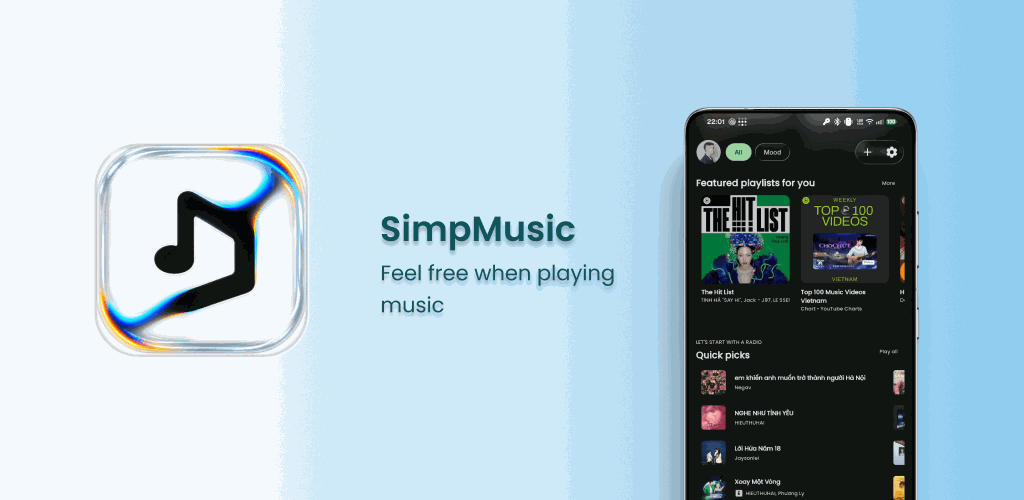
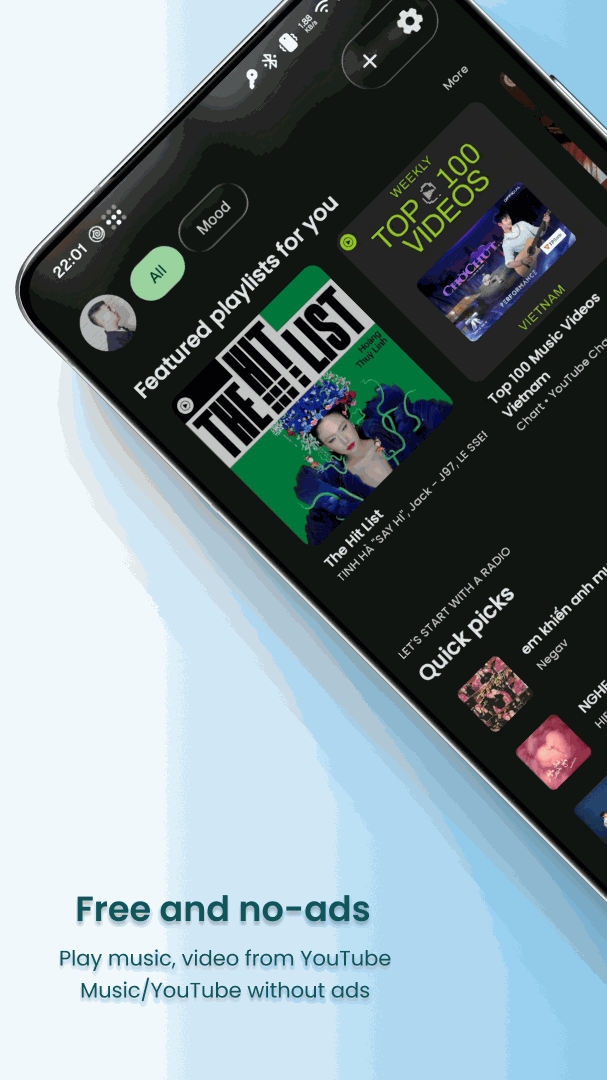
SimpMusic 是开源的 YouTube Music 客户端,Android 和桌面端都能用,免费无广告、支持后台播放。它把 Spotify 的不少实用功能搬了过来,还能同步歌词、屏蔽赞助片段、显示点踩数,适合想摆脱官方客户端限制、又爱折腾的音乐爱好者。
核心亮点:
- 免费播放 YouTube Music 曲库,无广告可后台
- 支持逐行逐词同步歌词,还能自己补歌词
- 内置均衡器与 AutoEq 耳机配置,音效可调
- 集成 SponsorBlock 与点踩数显示,体验更干净
当前版本 v2.6.0(2026-11-14 发布),开源协议 GPL-3.0,GitHub 13,440 star。

核心信息
| 软件名称 | SimpMusic(maxrave-dev/SimpMusic) |
| 当前版本 | v2.6.0 |
| 更新日期 | 2026-11-14 |
| 开源协议 | GPL-3.0 |
| 软件分类 | macOS 软件 |
| 关键词 | android、android-16、android-app、android-application、android-auto、compose-multiplatform |
本次更新内容
- 新增手机与桌面端扫码配对,收藏、歌单和播放记录在两端自动保持一致,无需手动同步。
- 新增 SoundCloud 风格播放界面,支持波形进度条、按时间显示评论和快捷表情回复。
- 新增 8D 环绕音效,可自定义声音绕头旋转的方向和速度,手机和桌面端均可用。
- 桌面端支持从浏览器导入登录状态,歌词可按单词逐字显示,并新增多家音乐应用配色预设。
- 自动混音更自然,下载管理支持批量删除,桌面端滚动和侧边栏体验优化,同时修复播放中断等问题。
查看官方英文更新日志(原文)
### Full changlogs here: https://www.simpmusic.org/blogs/new-update-simpmusic-v260
### Read user-guide: https://www.simpmusic.org/docs

### New
- Library sync: pair your phone with the Desktop app once by QR, and likes, followed artists, saved albums and podcasts, playlists and listening history stay the same on both, over your own Wi-Fi or Tailscale
- SoundCloud Now Playing style: artwork on a card, the song's waveform as the seek bar, comments shown at their moment, and a comment box with quick reactions
- 8D audio on Android and Desktop: the song moves around your head, with the direction and the time per turn of your choice
- Import sign-ins from a browser on Desktop: take your YouTube or Spotify sign-in from a browser on the same computer instead of pasting cookies
- Word-by-word lyrics from LRCLIB when it has word timing for the song
- Music app colours: Spotify, SoundCloud, Apple Music and YouTube Music presets in the app colour picker
### Improved
- AutoMix: a fade ends where the last chorus ends, and the next song comes in at the end of its intro
- Downloads: Remove download and Cancel download in the song menu, and remove several at once from the Downloaded list
- Discord login on the Full build: on Discord's own page in your browser, with no account token read by the app (log in again once)
- Desktop: vertical scrollbars on every scrolling page, the sidebar, the queues and the comments, and artist logos that scale with the page
- Home on Android fits more on screen, and rounded artwork uses the same corner everywhere
- Playback after YouTube updates: both stream extractors updated to their latest versions, and skipped songs no longer keep their preloads
### Fixed
- Playback stopping at 00:00 after a brief network drop, the FOSS player stopping about 10 minutes after a track change, the macOS window not moving to another display
- The keyboard staying open after picking a search suggestion, song rows swiping the wrong way in right-to-left languages, hard-to-read text on Your daily discover cards

## What's Changed
* fix: dismiss keyboard when selecting search result by @SiddartthVS in https://github.com/maxrave-dev/SimpMusic/pull/2556
* feat(downloads): remove downloads by swipe or multi-select in the Downloaded list by @cuong-tran in https://github.com/maxrave-dev/SimpMusic/pull/2709
* feat(discord): log in to Discord over OAuth on Full builds and keep kizzy for FOSS by @maxrave-dev in https://github.com/maxrave-dev/SimpMusic/pull/2809
* feat: library sync, desktop vertical scrollbars and tighter Android home by @maxrave-dev in https://github.com/maxrave-dev/SimpMusic/pull/2872
* New version: v2.6.0 by @maxrave-dev in https://github.com/maxrave-dev/SimpMusic/pull/2879

## New Contributors
* @SiddartthVS made their first contribution in https://github.com/maxrave-dev/SimpMusic/pull/2556

**Full Changelog**: https://github.com/maxrave-dev/SimpMusic/compare/v2.5.0...v2.6.0
下载地址
以下为官方原包,本站不二次打包;多个文件为不同包型,按需选择其中一个下载即可:
SimpMusic-2.6.0-mac-aarch64.dmg(官方原包 | 239.7 MB)
SimpMusic-2.6.0-mac-amd64.dmg(官方原包 | 253.1 MB)
✅ 上方 SHA256 与官方发布值一致,可自行核对。
快速上手
- 双击打开下载好的磁盘映像,把 SimpMusic 拖入「应用程序」文件夹完成安装
- 首次启动后在播放界面选择歌曲开始播放,可切换经典、Material 3 Expressive 或 Apple Music 三种播放样式
- 在桌面端左侧库侧边栏中浏览自己的播放列表、专辑、艺人和播客
- 打开均衡器设置,选用预设或 AutoEq 耳机配置,并按需添加 Delay 与 Reverb 效果
- 在播放页查看 YouTube 评论,登录后可发布、回复或点赞评论
提示:在播放设备选择中指定扬声器或耳机,避免影响其他应用的声音输出。
讨论(0 条)