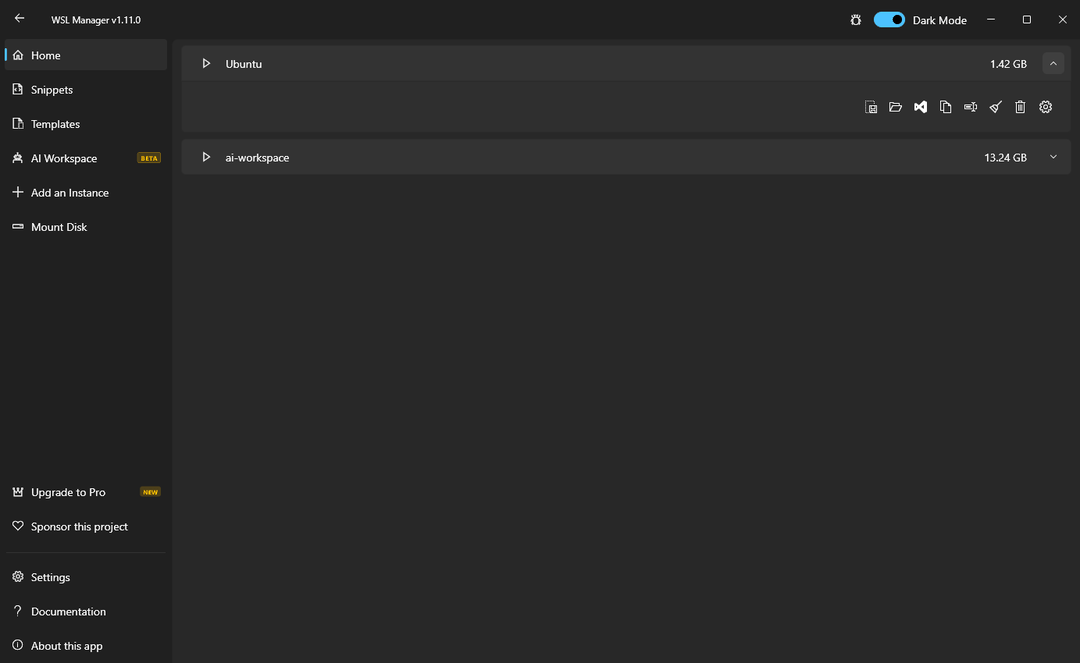
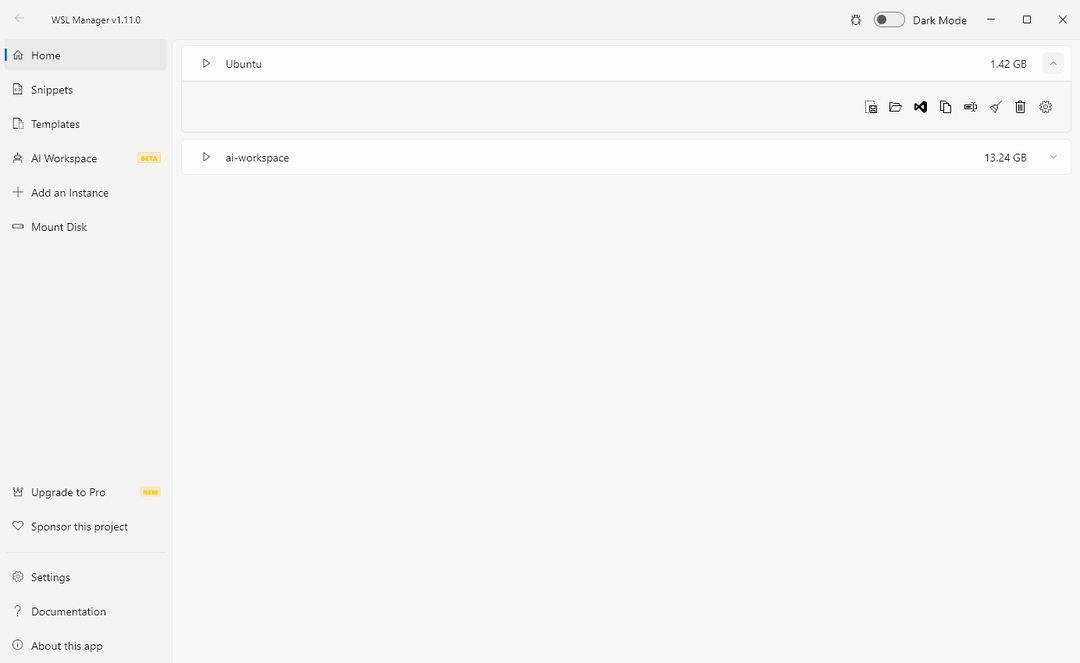
这是款跨平台 Linux 环境管理神器,Windows 管 WSL,Mac 管原生虚拟机。不用敲命令,点点鼠标就能安装、备份、迁移系统,还能直接挂载磁盘或监控资源。特别适合不想记复杂指令,又想高效折腾开发环境的极客和开发者。
核心亮点:
- 图形化安装备份,告别枯燥命令行操作
- 支持 Windows 与 macOS 双平台原生管理
- 一键压缩虚拟磁盘,轻松释放系统空间
- 内置 AI 助手,智能辅助环境配置与调试
当前版本 v2.6.1(2026-11-19 发布),开源协议 GPL-3.0,GitHub 4,075 star。

核心信息
| 软件名称 | Wslmanager(bostrot/wslmanager) |
| 当前版本 | v2.6.1 |
| 更新日期 | 2026-11-19 |
| 开源协议 | GPL-3.0 |
| 软件分类 | Windows 效率工具 |
| 关键词 | ai、developer-tools、docker、flutter、gui、llm |
本次更新内容
- 新增创建容器功能,可自定义镜像、端口、卷、环境变量和命令,并支持WSL自带容器引擎。
- AI助手聊天面板重新设计,输入和按钮更统一,消息更易读,且每次对话记录到同一片段。
- macOS版修复Linux虚拟机磁盘损坏问题,新增控制台日志查看,IP地址显示更准确。
- 非英文Windows下wsl.exe输出不再乱码,磁盘调整失败会显示错误。
查看官方英文更新日志(原文)
> **New here?** The [2.0.0 release notes](https://github.com/bostrot/wslmanager/releases/tag/v2.0.0) carry the full picture — what WSL Manager 2 is, every feature, the download table and how Pro works. This release lists what changed since 2.5.0.

## Containers

- **Create a container** (new): pick an image, then optionally a name, published ports, volumes, environment variables and a command — every field is one option of your engine's own run command.
- **WSL's own container engine** (new): on Windows with WSL 2.9.3 or later, containers from the built-in `wslc` engine show up next to Docker and Podman. Run `wsl --update` to get it. The AI assistant and the MCP server can drive it too.

## AI assistant

- A redesigned chat panel: the input, Send and header buttons share one size, the input grows as you type, Send turns into Stop while the assistant works, and tool calls, tasks and messages are easier to read.
- One chat now records into one snippet. Every follow-up is added to the same snippet instead of creating a new one for each answer.
- **AI Workspace:** a new setting stops the `ai-workspace` distro from being set up automatically, so deleting it stays deleted. The AI Workspace page offers to set it up again.

## macOS

- **Fixes Linux VM disk corruption under heavy writes.** Linux disks are now attached with full sync, one disk can never be opened by two VMs at once, a VM gets a fair chance to shut down before it is forced off, and restart waits until the disk is released.
- **View console log** (new): every VM's serial console is saved to a log, so a guest stuck at boot (fsck, emergency mode) can be seen from the VM row.
- A VM's IP address is only reported when the lease really belongs to it and the guest answers. Before, a stale address could stick around.
- Requires macOS 12 or later.

## And

- Text from `wsl.exe` on a non-English Windows is no longer garbled (#322).
- A failed disk resize or sparse change now shows as an error.
- Smaller fixes and maintenance.

## Downloads
Same as 2.0.0: Microsoft Store (recommended on Windows), the `-setup.exe` or portable `.zip` below, `winget install Bostrot.WSLManager`, and on Apple silicon the `.dmg` or `brew install --cask wsl-manager`. On Windows on ARM, pick the `arm64` installer or ZIP.

**Full Changelog**: https://github.com/bostrot/wslmanager/compare/v2.6.0...v2.6.1
下载地址
以下为官方原包,本站不二次打包;多个文件为不同包型,按需选择其中一个下载即可:
wsl2-distro-manager-v2.6.1-arm64-setup.exe(安装版 | 28.4 MB)
wsl2-distro-manager-v2.6.1-arm64.zip(便携版·解压即用 | 31.1 MB)
wsl2-distro-manager-v2.6.1-setup.exe(安装版 | 29.8 MB)
wsl2-distro-manager-v2.6.1.zip(便携版·解压即用 | 15.5 MB)
✅ 上方 SHA256 与官方发布值一致,可自行核对。
快速上手
- 运行下载好的安装包或解压后的程序完成安装并启动软件
- 在主界面点击添加按钮,从内置目录选择系统发行版进行安装
- 选中已安装的实例,使用右键菜单执行备份、复制或重命名操作
- 通过顶部工具栏的磁盘挂载功能,将本地文件夹映射为实例目录
提示:利用内置的实时图表监控实例的处理器、内存及交换空间使用情况
讨论(0 条)