CleanYourTV 是一款用手机清理电视的伴侣应用,无需电脑和线缆,在同一 Wi-Fi 下连接电视后即可分析并关闭广告、追踪和预装冗余应用,还能更换新桌面。适合使用 Android TV、Fire TV、Google TV 的普通用户,操作简单,清理前会先建还原点,随时可恢复。
核心亮点:
- 手机连电视即可清理,无需电脑和线缆
- 分析后列出可关闭项目,清理前不动电视
- 自动创建还原点,随时可恢复原状
- 支持更换新桌面,覆盖多个电视品牌
当前版本 v0.4.8(2026-11-03 发布),开源协议 MIT,GitHub 1,937 star。
核心信息
| 软件名称 | CleanYourTV(udhaykumarbala/cleanyourtv-app) |
| 当前版本 | v0.4.8 |
| 更新日期 | 2026-11-03 |
| 开源协议 | MIT |
| 软件分类 | TV 盒子软件 |
| 关键词 | adb、android-tv、debloat、fire-tv、google-tv、launcher |
本次更新内容
- 修复新主屏幕在谷歌电视上的安装问题,此前版本可能卡住,现在能正常安装并给出原因。
- 新主屏幕扩展到更多电视型号,仅限已确认的型号,其他型号保持原样。
- 安装失败时提示更清晰:存储不足、主屏幕选择器显示其他应用、遥控器设置按钮可能失效。
- 连接和检查更新功能改进:输入地址有效、调试关闭提示准确、检查更新恢复正常。
- 其他小修复:撤销操作更可靠、直播电视磁贴、应用列表更全、安装失败不误报。
查看官方英文更新日志(原文)
**Clean Your TV app 0.4.8** fixes the new home screen's install on Google TVs, brings the new home screen to four more TVs, and makes Check for updates work again.

Thank you to everyone who tested the 0.4.8 test builds, sent reports and told us what happened after a restart. Your answers decided which TVs get the new home screen in this release, and you're on our [testers page](https://udhaykumarbala.github.io/cleanyourtv-app/testers/). To see what the app does on your TV, search the [TV list](https://udhaykumarbala.github.io/cleanyourtv-app/tvs/).

## What's new

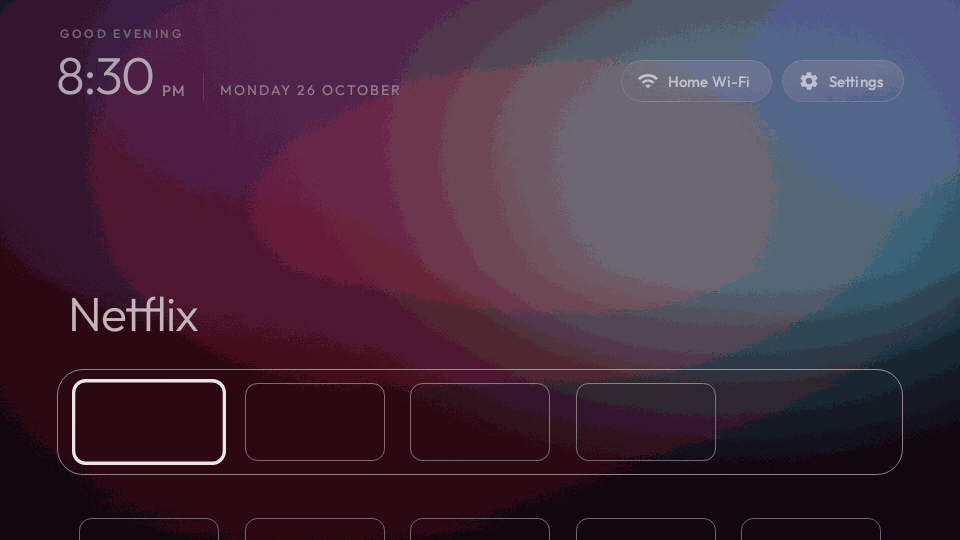
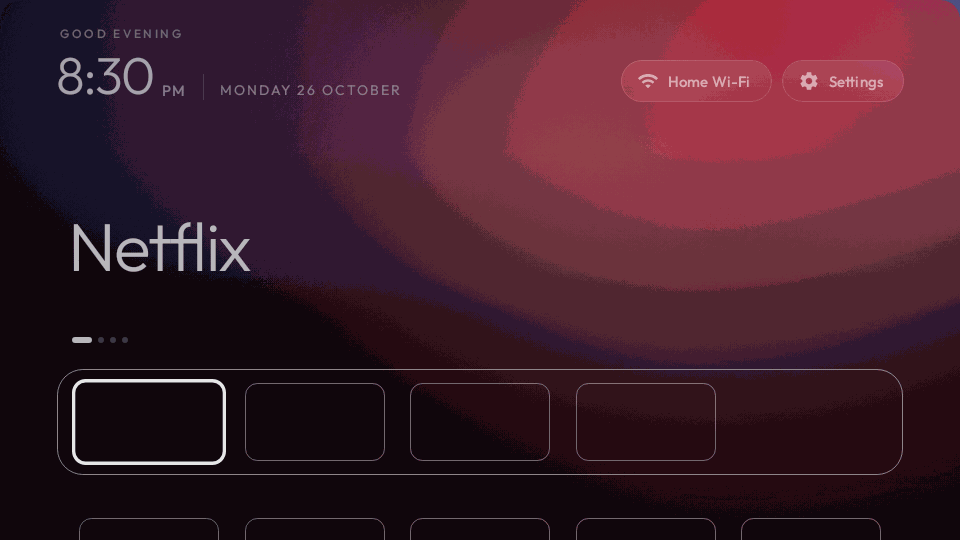
**The new home screen installs again on Google TVs.** On Google TVs with Android 11 and 12 (Sony BRAVIA, TCL, Xiaomi, Hisense, the TiVo Stream 4K and others), the switch could stop at "Install com.gathin.tvhome" with "got no readable apk", run after run. The new home screen was on the TV but not installed for the TV's main user. The app now installs it for that user (#2743, #1918, #1510 and many more). If the check still can't read the app, the report says why.

**The new home screen on four more TVs, with the setup wizard left on:**
- the Xiaomi MiTV-MOEU1 on Android 14
- the MI MiProjM05 projector on Android 9
- the Strong LEAP-S1 box on Android 14
- the Toshiba Smart TV (hamamatsucho) on Android 11

Each one was confirmed by two testers whose new home screen was still there after a restart, and nobody said it didn't hold. Only these models: other models of these brands keep their own home screen until their own testers confirm it.

**Clearer stops.**
- When the TV ends the install part way ("the TV closed the stream"), the app reads the TV's free storage and says when there isn't enough space (#2851, #3221).
- When Android shows its "which home screen?" chooser, the card names the other home screen apps on the TV, so you know which to remove (#3301).
- On Google TVs other than TCL, the app says before the switch that the remote's Settings button may stop opening the TV's own settings panel (#3059). **Use the TV's own home screen** in Manage brings it back.

**Connecting.** **Enter the TV's address** on the waiting screen works. When the TV turns the connection away, the card says debugging is off on the TV instead of blaming the phone. Manage finds a TV again that it last saw with debugging off.

**Smaller fixes:** "Check for updates" works again (#818, #2486); Undo everything plans from a fresh read of the TV (#2825); Live TV gets a dock tile on more TVs (#1902); Manage's dock list offers the apps the TV can open, Play Store included (#2742); a failed install no longer also reports "look not sent".

The Home button helper from the test builds isn't in this release yet. It stays in the test builds while we finish it.

## Install
Download `cleanyourtv-0.4.8.apk` below and open it on your phone (Android 9 or newer, on the same Wi-Fi as the TV). It installs over 0.4.7 and the 0.4.8 test builds and keeps everything. On 0.4.7 or older, Check for updates can't find this version by itself
下载地址
以下为官方原包,本站不二次打包,点击直接下载:
cleanyourtv-0.4.8.apk(Android 安装包 | 7.2 MB)
✅ 上方 SHA256 与官方发布值一致,可自行核对。
快速上手
- 在手机上打开已安装的 CleanYourTV 应用,确保手机与电视连接同一 Wi-Fi,应用会自动搜索电视。
- 按应用内提示用遥控器在电视上开启网络调试,电视弹出信任提示时勾选“Always allow”并选 OK 完成连接。
- 连接后应用读取电视内容并显示“What we found”清单,查看哪些项目将被关闭、哪些保留,此步不改动电视。
- 确认清单后点击“Make it clean”,应用先创建还原点,再关闭广告与预装内容并启用新主屏幕。
- 日后可回到应用恢复某个应用、检查电视更新后的残留、调整 Dock 或外观,或撤销全部改动。
提示:清理前保持手机与电视同一 Wi-Fi,并给手机设置屏幕锁。
讨论(0 条)