Dumbtv 是一款面向 Fire TV 的清理工具,通过电脑经 ADB 连接电视,无需 root 即可关闭亚马逊的广告推荐、追踪服务和遥测上报,并用轻量开源启动器替换充满广告的主屏。适合想让电视回归纯粹、只保留应用和 HDMI 输入的 Fire TV 用户。
核心亮点:
- 免 root 经 ADB 关闭广告服务与追踪
- 内置 DNS 过滤拦截遥测和自动更新
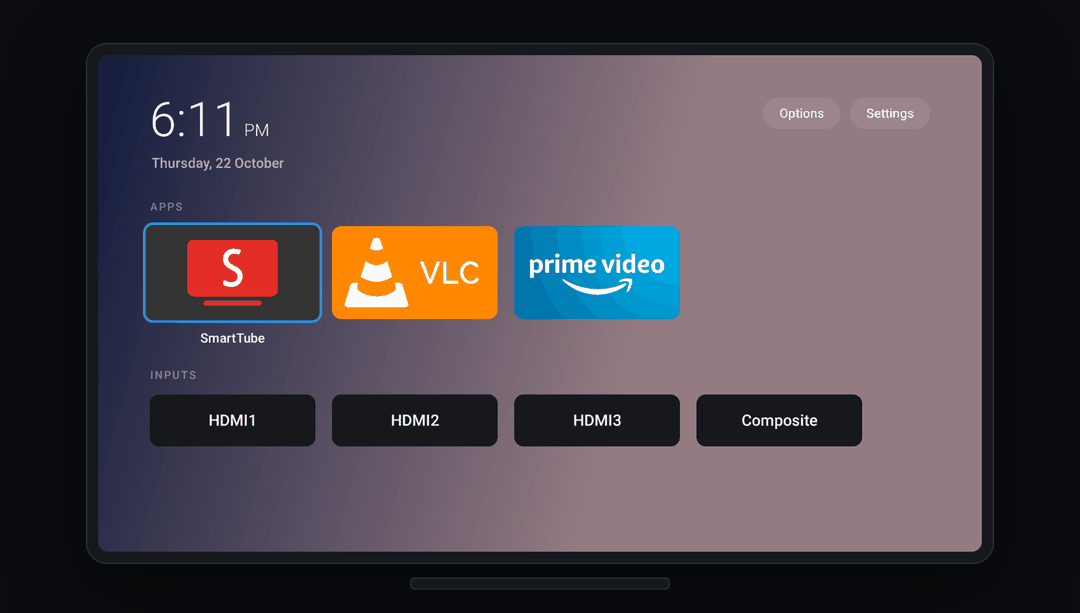
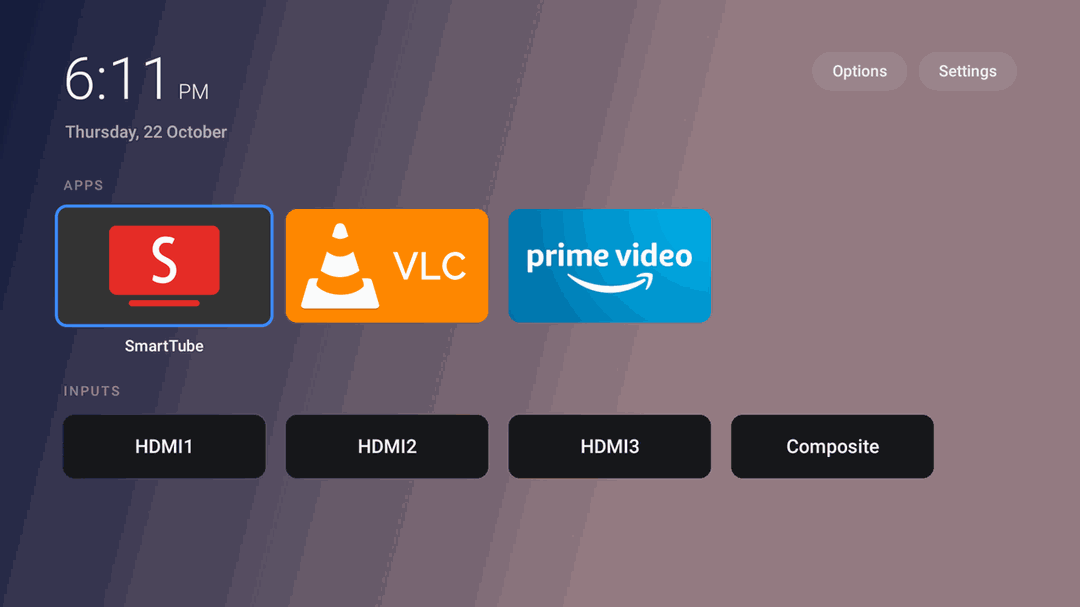
- 开源启动器替换主屏,只留应用与输入
- 不改动已装应用,保留原有观看内容
当前版本 launcher-v1.12(2026-11-25 发布),开源协议 MIT,GitHub 2,269 star。

核心信息
| 软件名称 | Dumbtv(humblemuzzu/dumbtv) |
| 当前版本 | launcher-v1.12 |
| 更新日期 | 2026-11-25 |
| 开源协议 | MIT |
| 软件分类 | TV 盒子软件 |
| 关键词 | ad-blocking、adb、android-tv、debloat、dns-filter、fire-os |
本次更新内容
- 新增开机直达指定信号源及闲置自动切换功能,提升操作便捷性
- 支持聚焦应用配色背景及自定义视频背景,丰富个性化视觉体验
- 优化图标显示清晰度,解决部分应用图标模糊及标题遮挡问题
- 调整界面元素填充样式,使布局更整洁美观
- 继续秉持极简理念,无需网络权限,保障设备安全与隐私
查看官方英文更新日志(原文)
dumbtv home 1.12. Install or update with `./scripts/launcher.sh -y` (or `./launcher/install.sh`), which checks the SHA-256 below.

**New, all opt-in**

- **Show on startup** (Options, `wake_input`): wake the TV straight onto an input, and `idle_input=<minutes>` switches to it after that long on the home screen with no key pressed (#221, @VladislavEkimtcov). The wake part needs the HOME guard, so Fire OS 7 and 8.
- **Aurora and video backgrounds** (Options › Background): slow light in the focused app's colours, or `background.mp4` looping behind the rows. Both run only while the home screen is in front (#220, @VladislavEkimtcov).
- **Tile fill** (Options, `tile_fill`): solid by default as before; see-through gives banner-less apps and inputs the corner chips' faint fill, and a focused input fills with the accent (#220).

**Fixed**

- Icons of apps without a TV banner load at the highest density the app ships, so they are sharp at tile size; their name sits under the tile like a banner's (#220).
- A library banner title aimed at Amazon's home no longer gets covered by dumbtv home at once (#215).

Still no internet permission, and one permission on Fire OS 7 and 8. 136 KB.
下载地址
以下为官方原包,本站不二次打包,点击直接下载:
dumbtv-home.apk(Android 安装包 | 132.9 KB)
✅ 上方 SHA256 与官方发布值一致,可自行核对。
快速上手
- 在电视或盒子上启用 ADB 调试,把电脑与设备连到同一网络,用数据线或网络连接完成配对。
- 在电脑上运行 dumbtv 的清理脚本,按提示确认后自动停用广告、追踪与遥测相关服务。
- 安装下载好的 dumbtv-home.apk,首次启动时按屏幕提示把它设为默认主屏幕。
- 回到主屏幕,确认时钟、应用行与输入行正常显示,原有应用与 HDMI 输入仍可使用。
提示:清理前记下设备型号,出问题可按 README 的恢复说明回滚。
讨论(0 条)